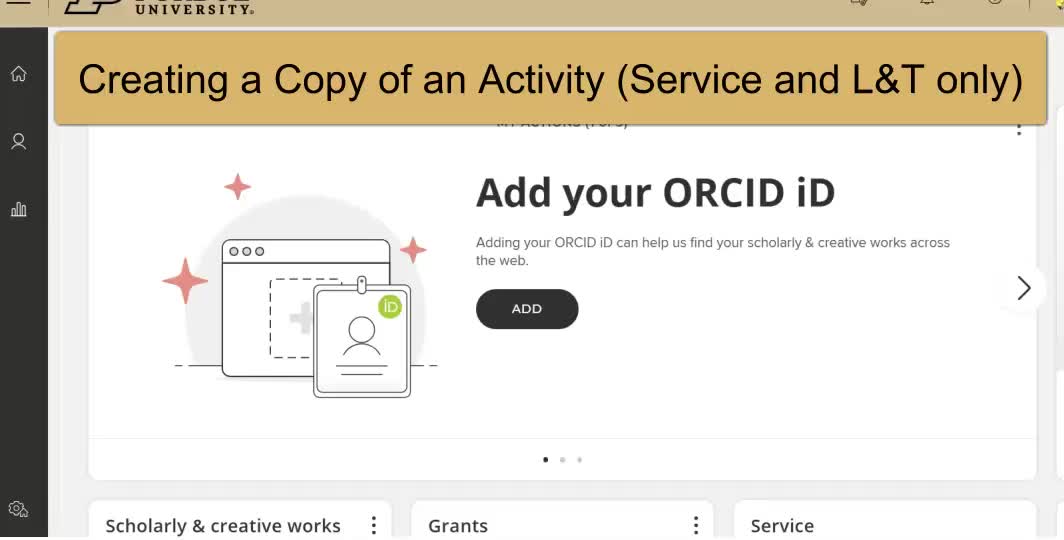
This video provides a step-by-step guide on how to create a copy of an activity in Elements from Service, including how to change the name and other information for the new version and create a copy in learning and teaching, but not for scholarly works and grants.


|
|
|||
|
|
|||
|
|


|
|
|
 Uploaded
|
|
0:00 |
|
|
|
|
0:05 | ||
|
|
0:10 |
|
|
|
|
0:15 | ||
|
|
0:20 | ||
|
|
0:25 |
|
|
|
|
0:30 | ||
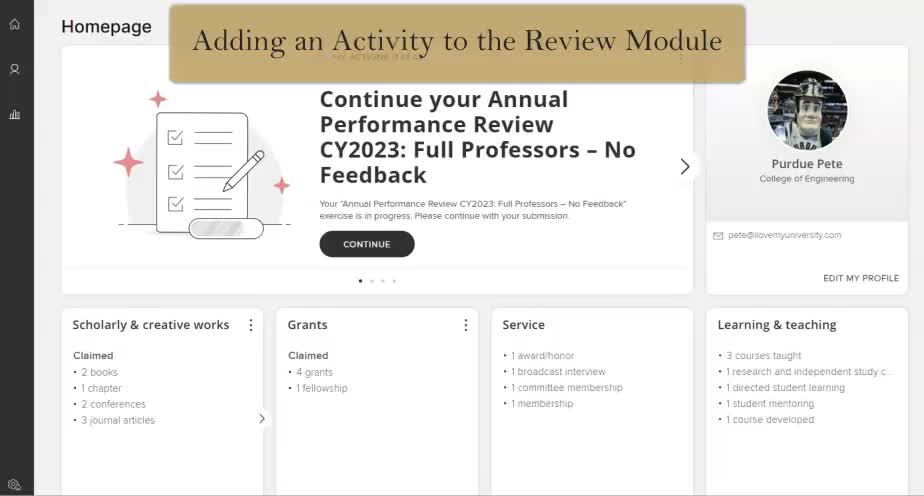
This video demonstrates how to add an activity in Elements and then add it to the Evaluation and Review module for Purdue Pete, ensuring the dates coordinate for the annual review year.
|
|
|||
|
|
|||
|
|
|
|
|
Uploaded
|
|
0:00 |
|
|
|
|
0:05 | ||
|
|
0:10 |
|
|
|
|
0:15 | ||
|
|
0:20 | ||
|
|
0:25 |
|
|
|
|
0:30 | ||
The video demonstrates how to edit and update activity types in Elements from your homepage, including changing the type of a publication, making a record a favorite, and updating essential information.
|
|
|||
|
|
|||
|
|
|
|
|
Uploaded
|
|
0:00 |
|
|
|
|
0:05 | ||
|
|
0:10 |
|
|
|
|
0:15 | ||
|
|
0:20 | ||
|
|
0:25 |
|
|
|
|
0:30 | ||
This video tutorial provides step-by-step instructions on how to export records from a module in Elements, including setting filters, selecting multiple items, and choosing file types for export.
|
|
|||
|
|
|||
|
|
|
|
|
Uploaded
|
|
0:00 |
|
|
|
|
0:05 | ||
|
|
0:10 |
|
|
|
|
0:15 | ||
|
|
0:20 | ||
|
|
0:25 |
|
|
|
|
0:30 | ||