
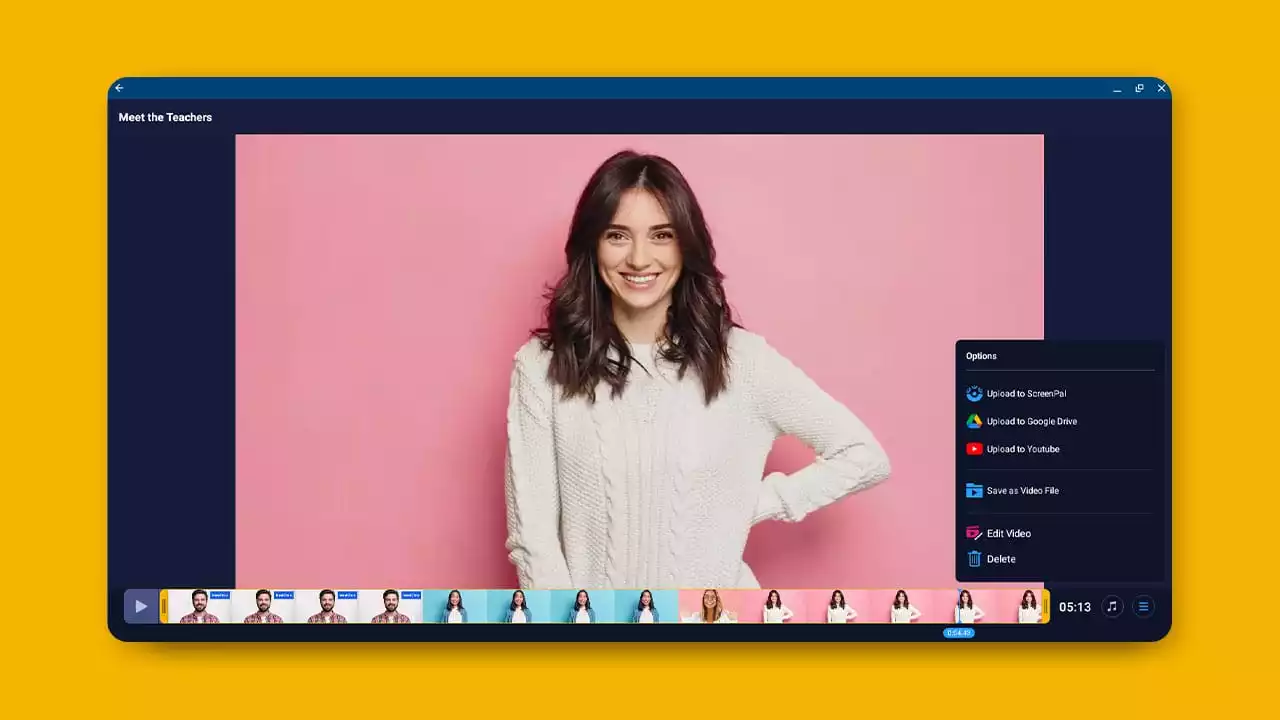




Here's how to share and save your Chromebook recordings.


|
|
|||
|
|
|||
|
|


|
|
|
 Uploaded
|
|
0:00 |
|
|
|
|
0:05 | ||
|
|
0:10 |
|
|
|
|
0:15 | ||
|
|
0:20 | ||
|
|
0:25 |
|
|
|
|
0:30 | ||
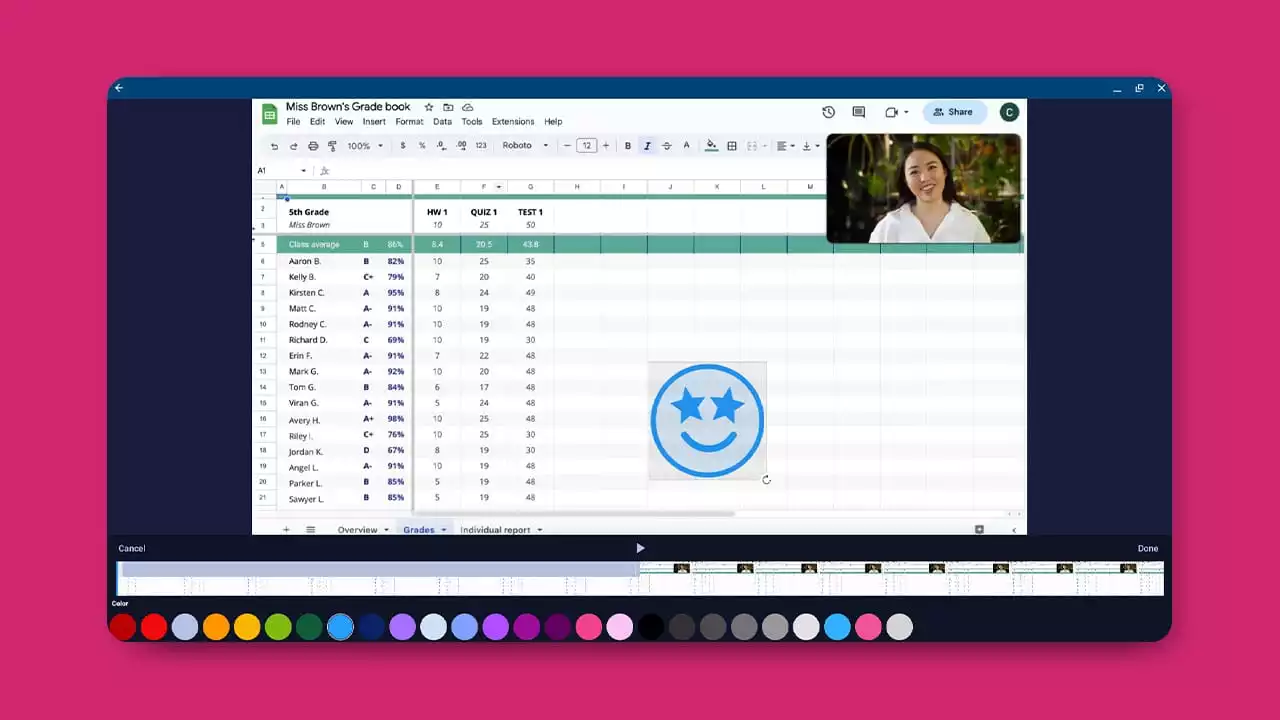
Enhance your videos with the Chromebook Video Editor. Add overlay stickers, blurs and images or videos from the stock library.
|
|
|||
|
|
|||
|
|
|
|
|
Uploaded
|
|
0:00 |
|
|
|
|
0:05 | ||
|
|
0:10 |
|
|
|
|
0:15 | ||
|
|
0:20 | ||
|
|
0:25 |
|
|
|
|
0:30 | ||
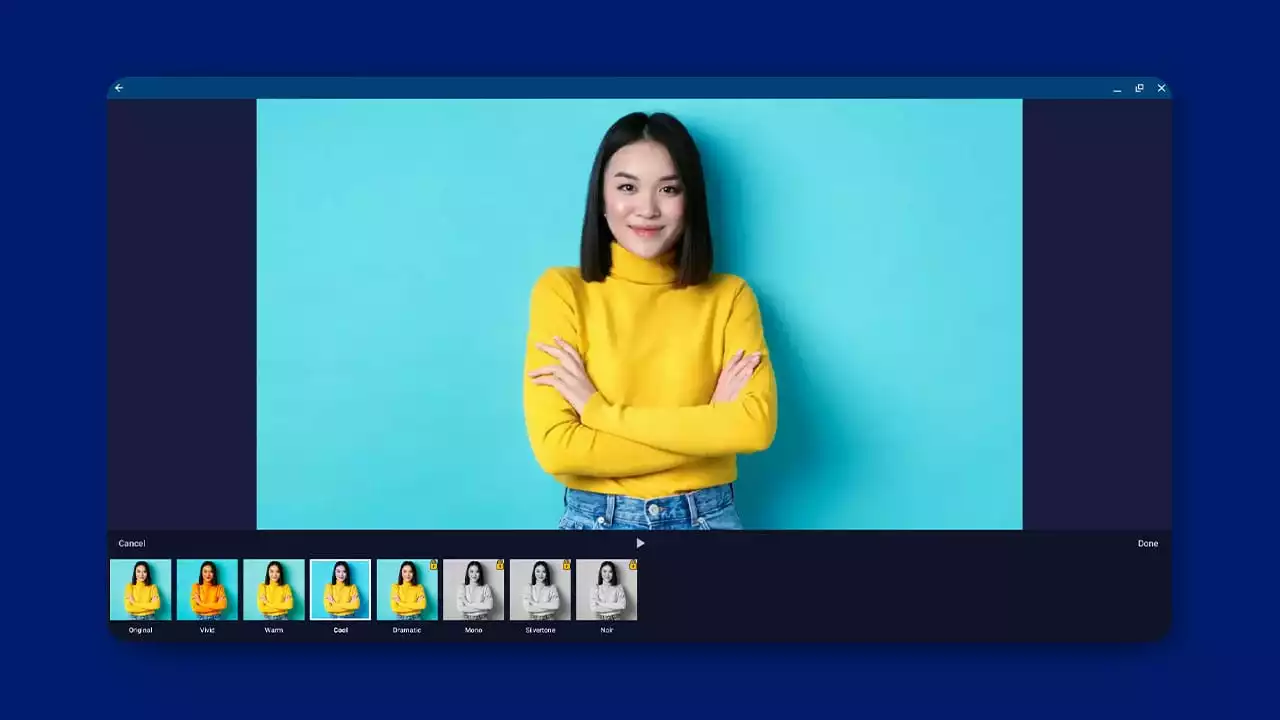
The Filters tool modifies the color balance to set the mood of your video.
|
|
|||
|
|
|||
|
|
|
|
|
Uploaded
|
|
0:00 |
|
|
|
|
0:05 | ||
|
|
0:10 |
|
|
|
|
0:15 | ||
|
|
0:20 | ||
|
|
0:25 |
|
|
|
|
0:30 | ||
How to access Google Chrome Browser Extension.
|
|
|||
|
|
|||
|
|
|
|
|
Uploaded
|
|
0:00 |
|
|
|
|
0:05 | ||
|
|
0:10 |
|
|
|
|
0:15 | ||
|
|
0:20 | ||
|
|
0:25 |
|
|
|
|
0:30 | ||
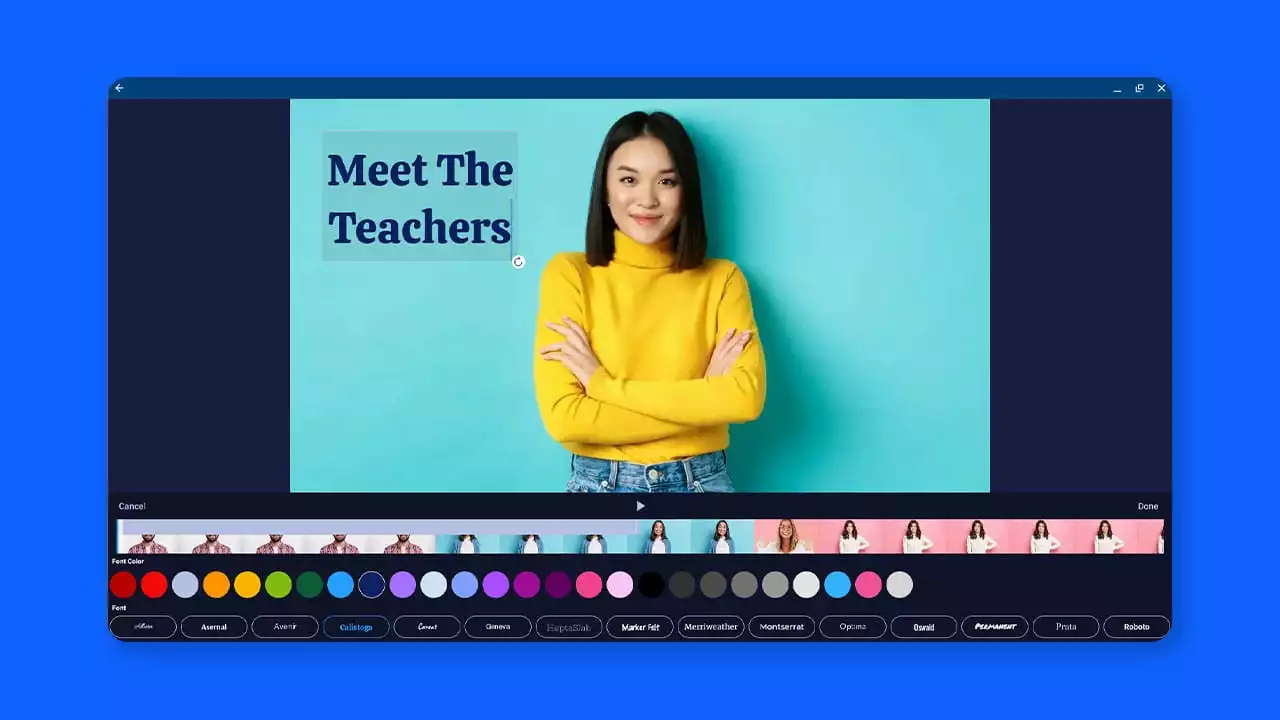
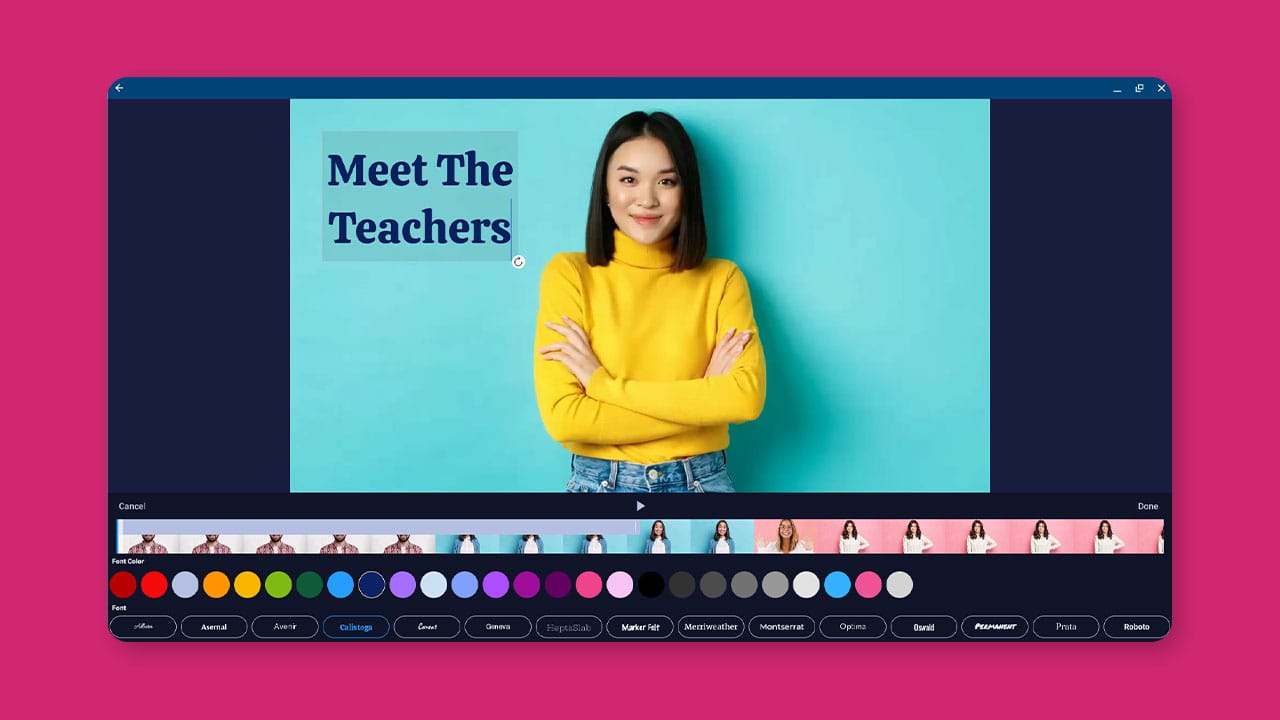
Easily enhance your Chromebook videos with text. Adjust color, font, and size in the easy Chromebook Video Editor.
|
|
|||
|
|
|||
|
|
|
|
|
Uploaded
|
|
0:00 |
|
|
|
|
0:05 | ||
|
|
0:10 |
|
|
|
|
0:15 | ||
|
|
0:20 | ||
|
|
0:25 |
|
|
|
|
0:30 | ||
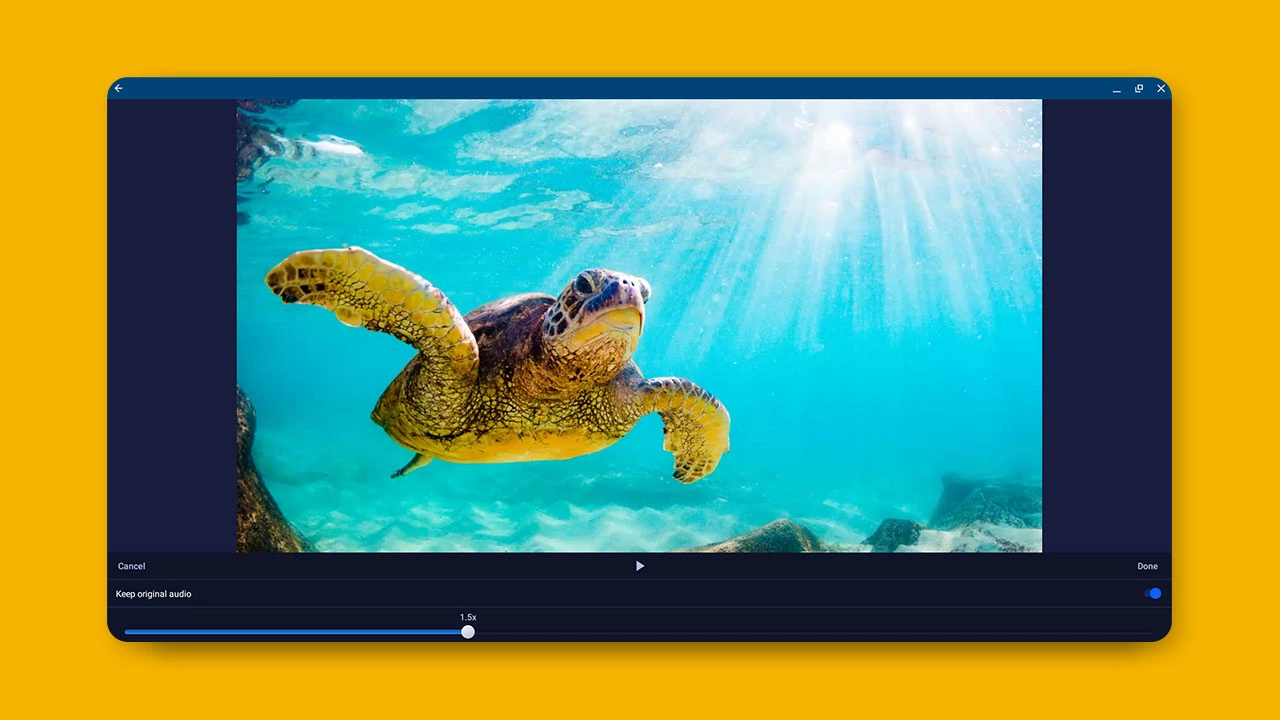
Easily speed up or slow down your video with the Speed tool in the Chromebook Video Editor.
|
|
|||
|
|
|||
|
|
|
|
|
Uploaded
|
|
0:00 |
|
|
|
|
0:05 | ||
|
|
0:10 |
|
|
|
|
0:15 | ||
|
|
0:20 | ||
|
|
0:25 |
|
|
|
|
0:30 | ||
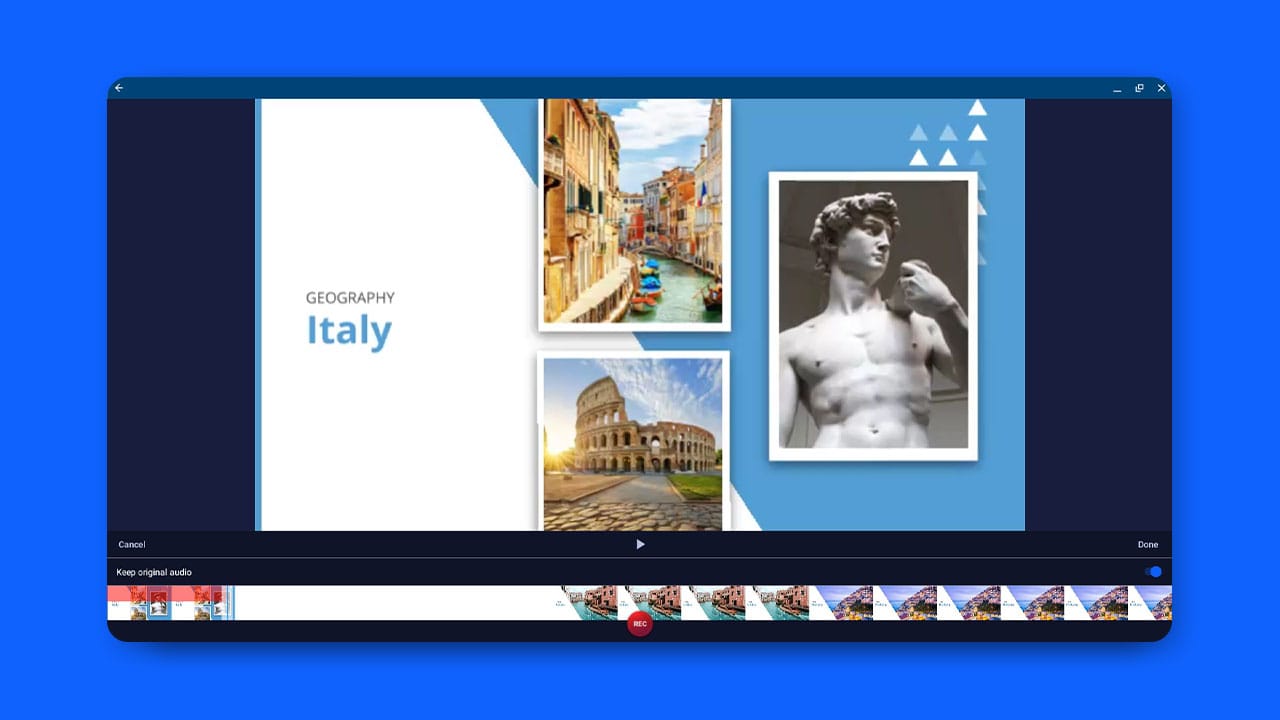
Use the Narrate tool to add your voice and personality to your Chromebook videos.
|
|
|||
|
|
|||
|
|
|
|
|
Uploaded
|
|
0:00 |
|
|
|
|
0:05 | ||
|
|
0:10 |
|
|
|
|
0:15 | ||
|
|
0:20 | ||
|
|
0:25 |
|
|
|
|
0:30 | ||
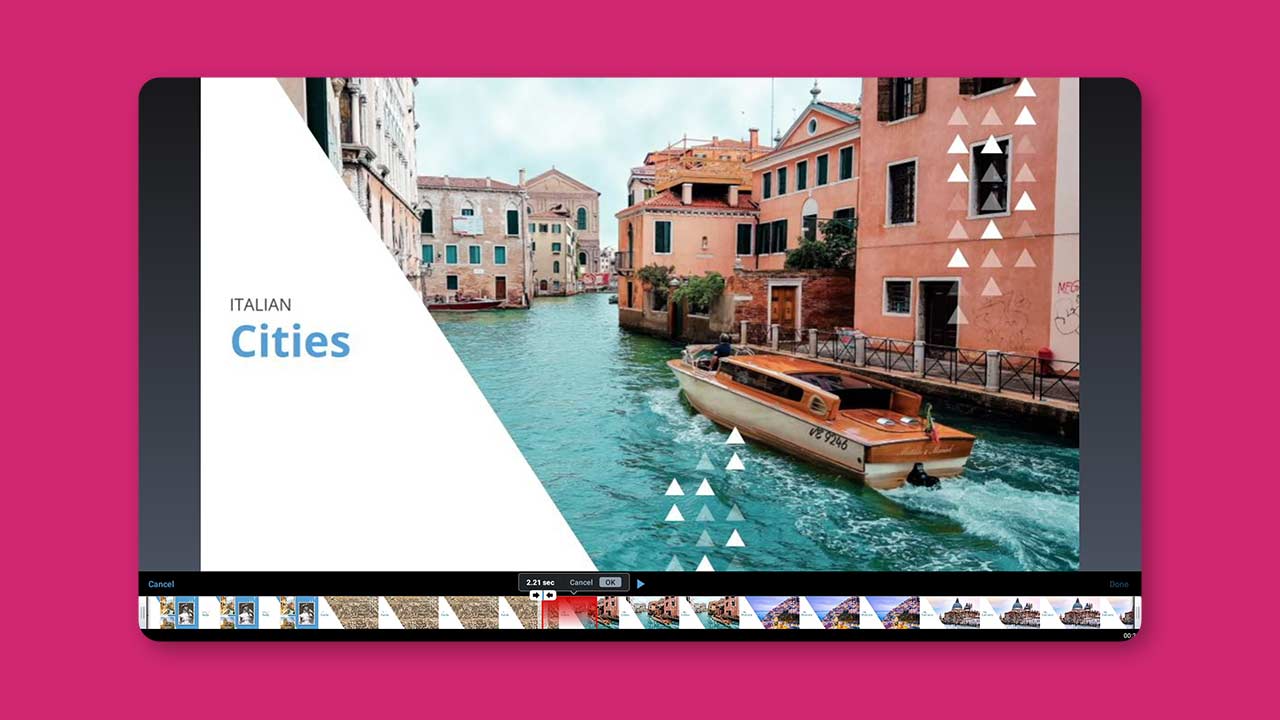
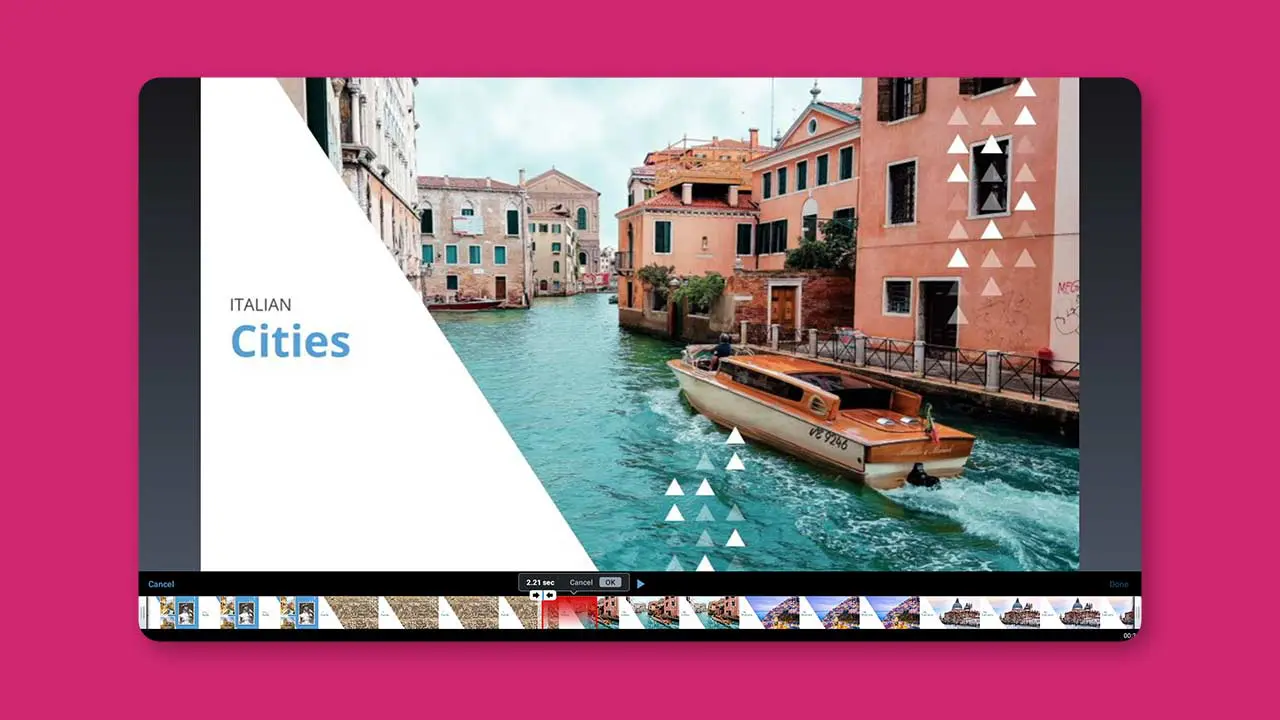
Easily trim your video with Chromebook.
|
|
|||
|
|
|||
|
|
|
|
|
Uploaded
|
|
0:00 |
|
|
|
|
0:05 | ||
|
|
0:10 |
|
|
|
|
0:15 | ||
|
|
0:20 | ||
|
|
0:25 |
|
|
|
|
0:30 | ||
As a Deluxe, Premier, or Max Chromebook user, you have access to universal login. You have the ability to access our video editor with a single login on a PC or Mac.
|
|
|||
|
|
|||
|
|
|
|
|
Uploaded
|
|
0:00 |
|
|
|
|
0:05 | ||
|
|
0:10 |
|
|
|
|
0:15 | ||
|
|
0:20 | ||
|
|
0:25 |
|
|
|
|
0:30 | ||
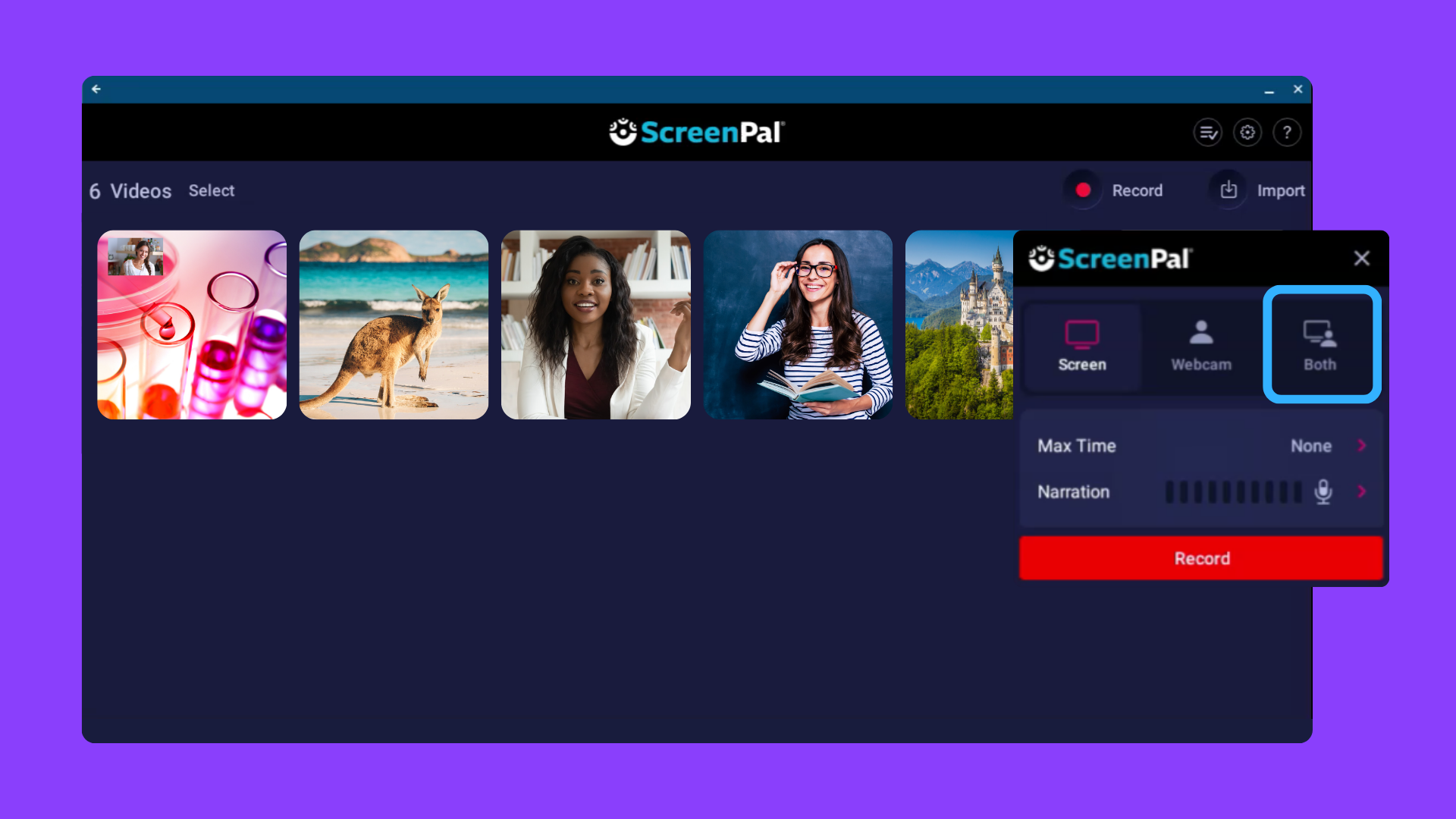
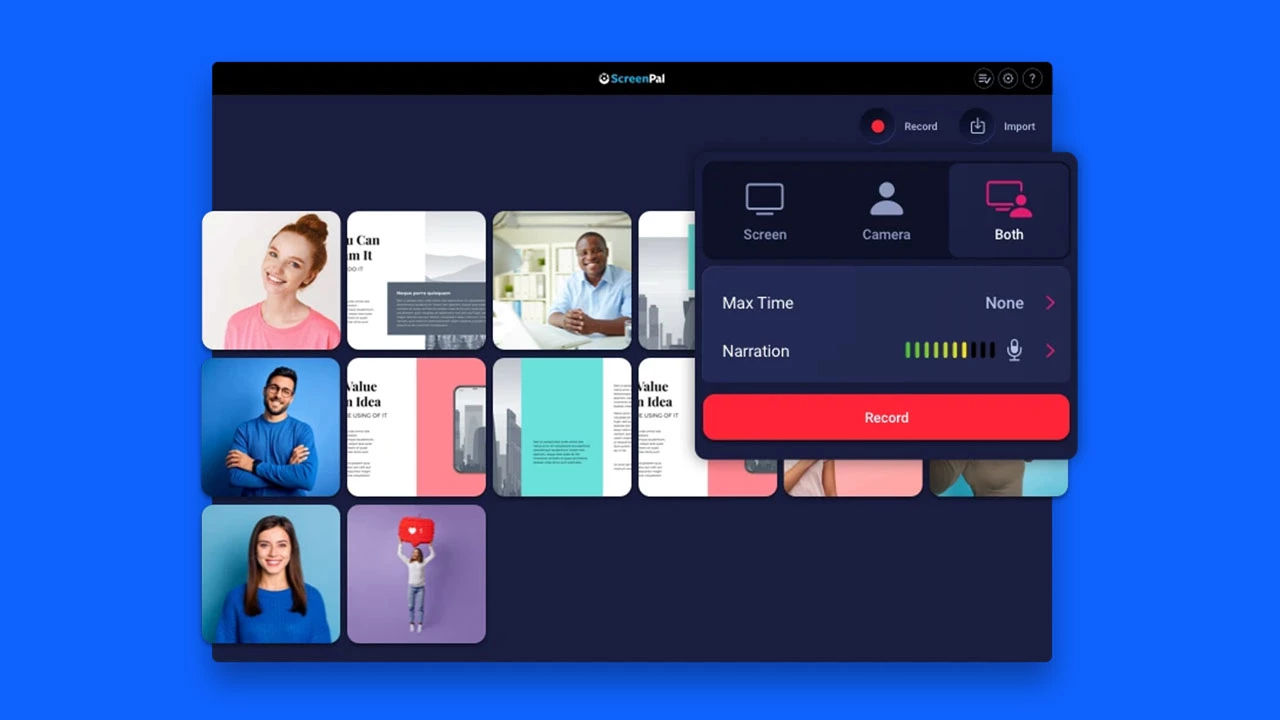
Record your screen and webcam together on a Chromebook.
|
|
|||
|
|
|||
|
|
|
|
|
Uploaded
|
|
0:00 |
|
|
|
|
0:05 | ||
|
|
0:10 |
|
|
|
|
0:15 | ||
|
|
0:20 | ||
|
|
0:25 |
|
|
|
|
0:30 | ||
Take a look at the features you get with the ScreenPal Chromebook app.
|
|
|||
|
|
|||
|
|
|
|
|
Uploaded
|
|
0:00 |
|
|
|
|
0:05 | ||
|
|
0:10 |
|
|
|
|
0:15 | ||
|
|
0:20 | ||
|
|
0:25 |
|
|
|
|
0:30 | ||
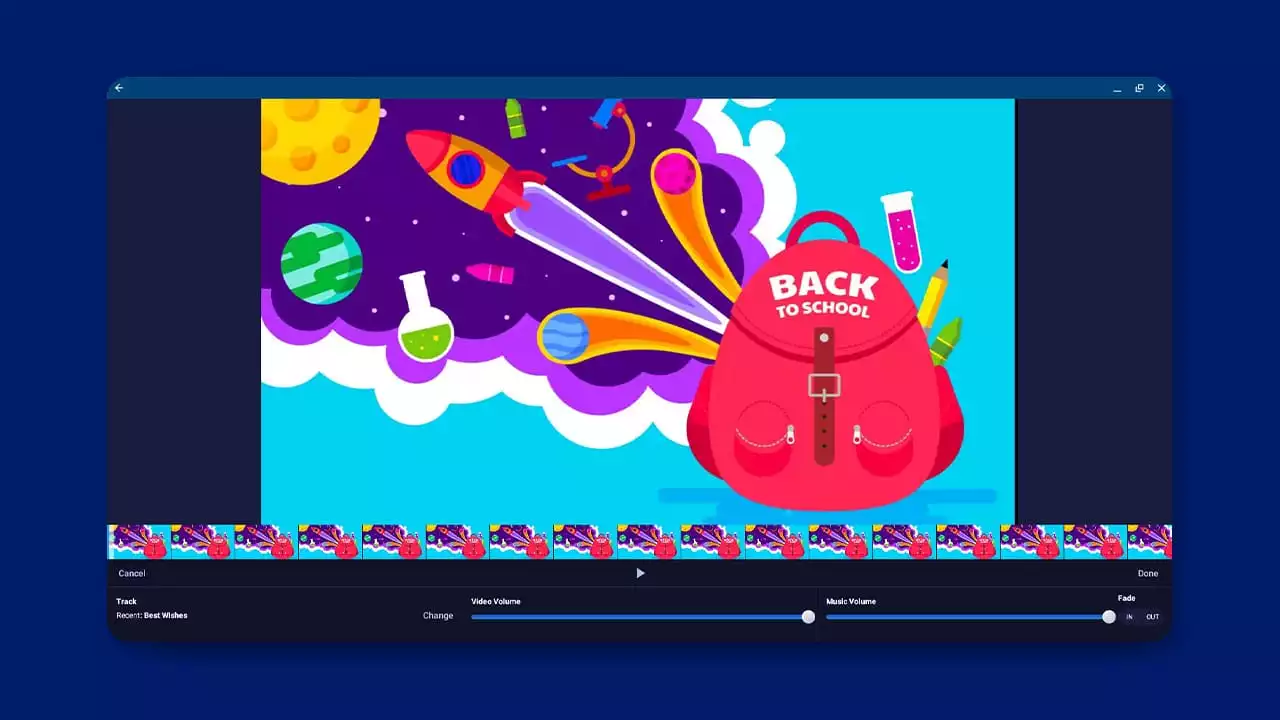
Set the tone of your videos with music! Easily add music from the Stock Music library to enhance Chromebook videos.
|
|
|||
|
|
|||
|
|
|
|
|
Uploaded
|
|
0:00 |
|
|
|
|
0:05 | ||
|
|
0:10 |
|
|
|
|
0:15 | ||
|
|
0:20 | ||
|
|
0:25 |
|
|
|
|
0:30 | ||
Check out how to draw and highlight on ScreenPal's Chromebook app.
|
|
|||
|
|
|||
|
|
|
|
|
Uploaded
|
|
0:00 |
|
|
|
|
0:05 | ||
|
|
0:10 |
|
|
|
|
0:15 | ||
|
|
0:20 | ||
|
|
0:25 |
|
|
|
|
0:30 | ||
This quick tutorial shows you how to delete sections of your video in the Chromebook Video Editor.
|
|
|||
|
|
|||
|
|
|
|
|
Uploaded
|
|
0:00 |
|
|
|
|
0:05 | ||
|
|
0:10 |
|
|
|
|
0:15 | ||
|
|
0:20 | ||
|
|
0:25 |
|
|
|
|
0:30 | ||
Enhance your videos with our Chromebook Video Editor. Check out the new tools and features.
|
|
|||
|
|
|||
|
|
|
|
|
Uploaded
|
|
0:00 |
|
|
|
|
0:05 | ||
|
|
0:10 |
|
|
|
|
0:15 | ||
|
|
0:20 | ||
|
|
0:25 |
|
|
|
|
0:30 | ||
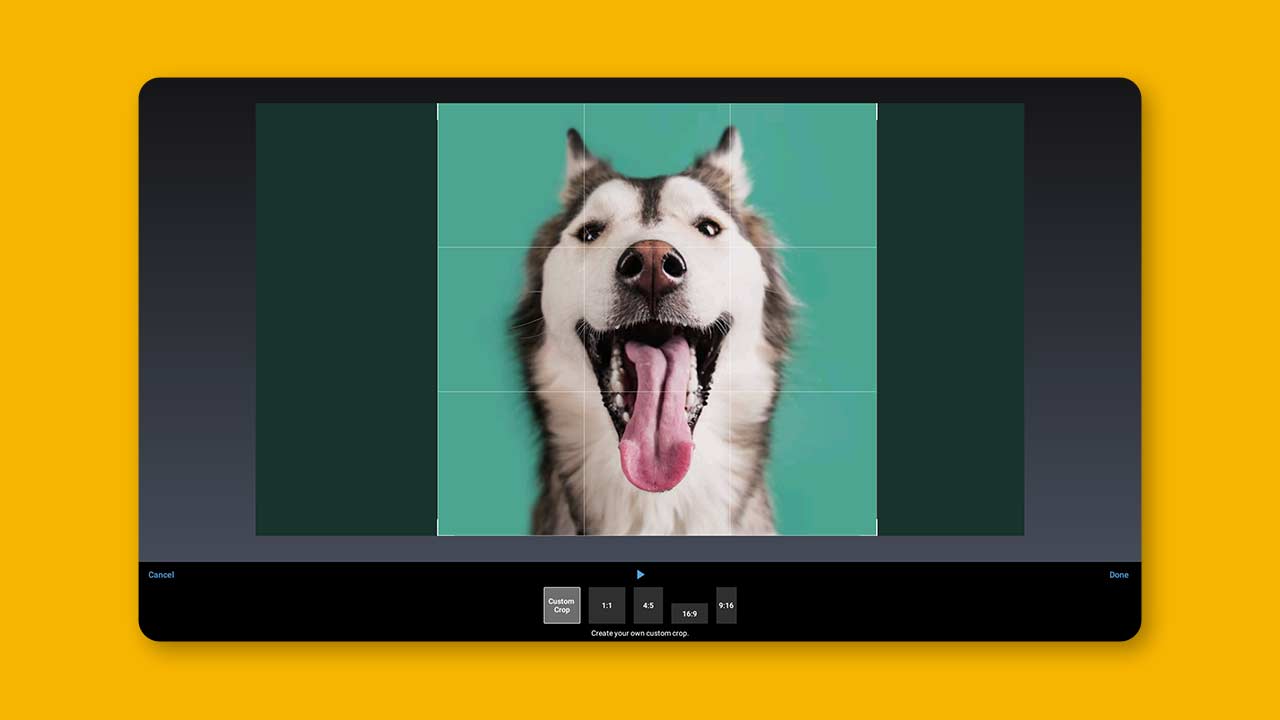
Easily change the shape, size, and orientation of your video with the Crop and Rotate tools in ScreenPal's Chromebook Video Editor.
|
|
|||
|
|
|||
|
|
|
|
|
Uploaded
|
|
0:00 |
|
|
|
|
0:05 | ||
|
|
0:10 |
|
|
|
|
0:15 | ||
|
|
0:20 | ||
|
|
0:25 |
|
|
|
|
0:30 | ||
