Online Teacher Help Videos
Helpful videos for teachers of Niswonger Online and AP Courses.-
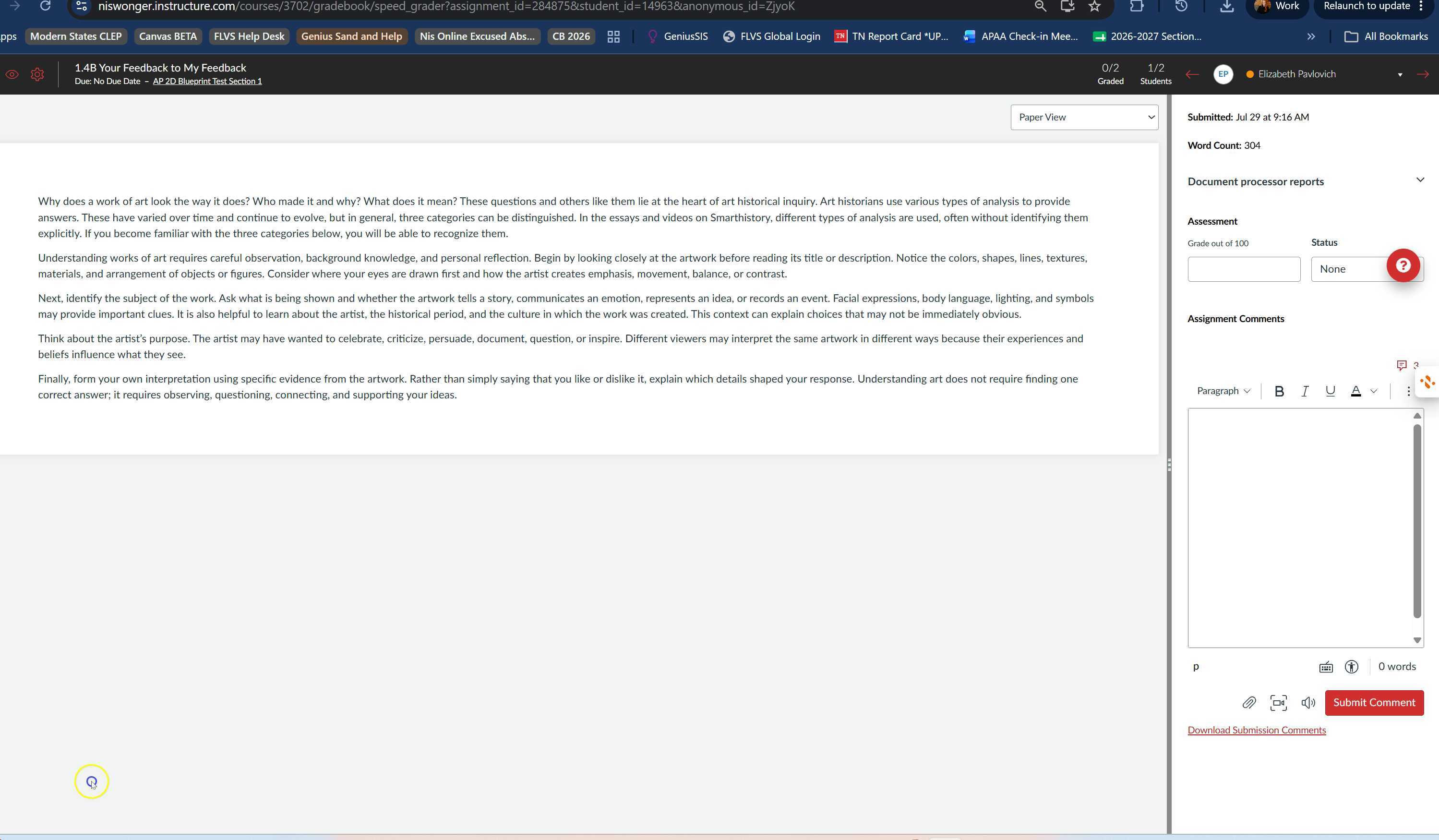
TII- Similiarity Report Same submissions from mulitple students
03:38The video demonstrates how to review similarity reports for student submissions in Speedgrader and how to identify and address cases of plagiarism.
TII- Similiarity Report Same submissions from mulitple students
 Transcript translations are generated by AI.
Please excuse mistakes in translation.

 Timeline
 Use the AI button above to generate, or click below to upload your own captions.AI transcript unavailable. Click below to upload your own captions.Click below to upload your own captions.
Captions and ChaptersSelect a language then choose an option below to upload captions, chapters or add them manually.
 Uploaded
0:00
0:05 0:10
0:15 0:20 0:25
0:30 -
TII- Reading Similarity Reports
09:03This video provides an introduction to Turnitin, how to find reports, and how to read and interpret the similarity and AI reports. The video also emphasizes the importance of not relying solely on percentages in the reports, and the need for further investigation in case of flagged content.
TII- Reading Similarity Reports
Transcript translations are generated by AI.
Please excuse mistakes in translation.
Timeline
Use the AI button above to generate, or click below to upload your own captions.AI transcript unavailable. Click below to upload your own captions.Click below to upload your own captions.
Captions and ChaptersSelect a language then choose an option below to upload captions, chapters or add them manually.
Uploaded
0:00
0:05 0:10
0:15 0:20 0:25
0:30 -
TII- 30 min Webinar
29:07In this video, Gina provides a detailed walkthrough for teachers on how to effectively use Turnitin to maintain and promote academic integrity. The video covers the functionality of Turnitin, differentiates between similarity and AI writing indicators, and guides through the process of carefully reviewing reports. Gina emphasizes the importance of using Turnitin as a supportive tool rather than a standalone solution and explains how to handle academic integrity referrals while maintaining confidentiality and adhering to protocols.
TII- 30 min Webinar
Transcript translations are generated by AI.
Please excuse mistakes in translation.
Timeline
Use the AI button above to generate, or click below to upload your own captions.AI transcript unavailable. Click below to upload your own captions.Click below to upload your own captions.
Captions and ChaptersSelect a language then choose an option below to upload captions, chapters or add them manually.
Uploaded
0:00
0:05 0:10
0:15 0:20 0:25
0:30 -
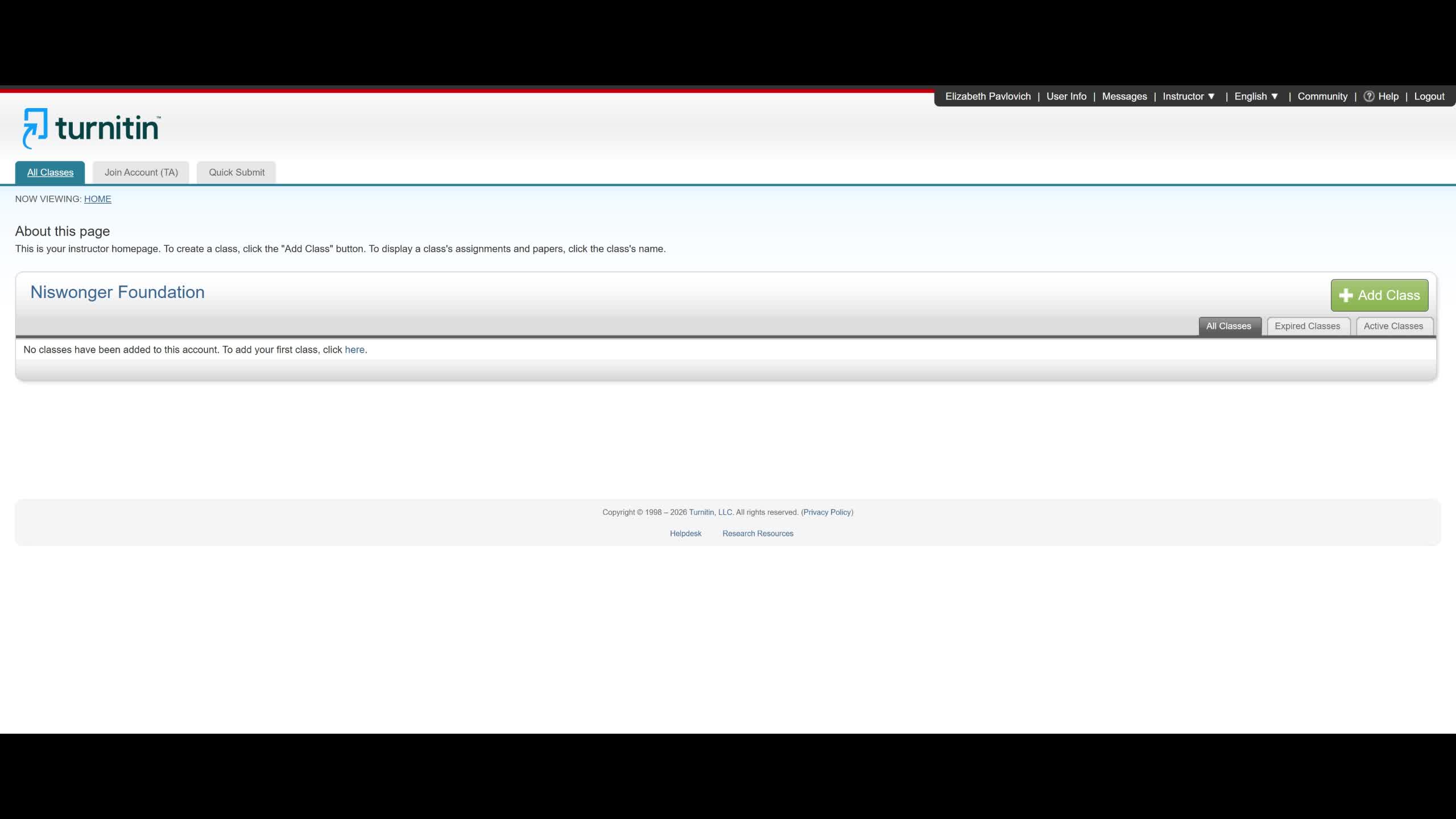
Teachers- Turnitin Account and Quick Submits
07:28Gina provides a tutorial for teachers on how to use Turnitin for one off submissions, enabling them to run screenings and get reports for assignments not embedded in Canvas.
Teachers- Turnitin Account and Quick Submits
Transcript translations are generated by AI.
Please excuse mistakes in translation.
Timeline
Use the AI button above to generate, or click below to upload your own captions.AI transcript unavailable. Click below to upload your own captions.Click below to upload your own captions.
Captions and ChaptersSelect a language then choose an option below to upload captions, chapters or add them manually.
Uploaded
0:00
0:05 0:10
0:15 0:20 0:25
0:30 -
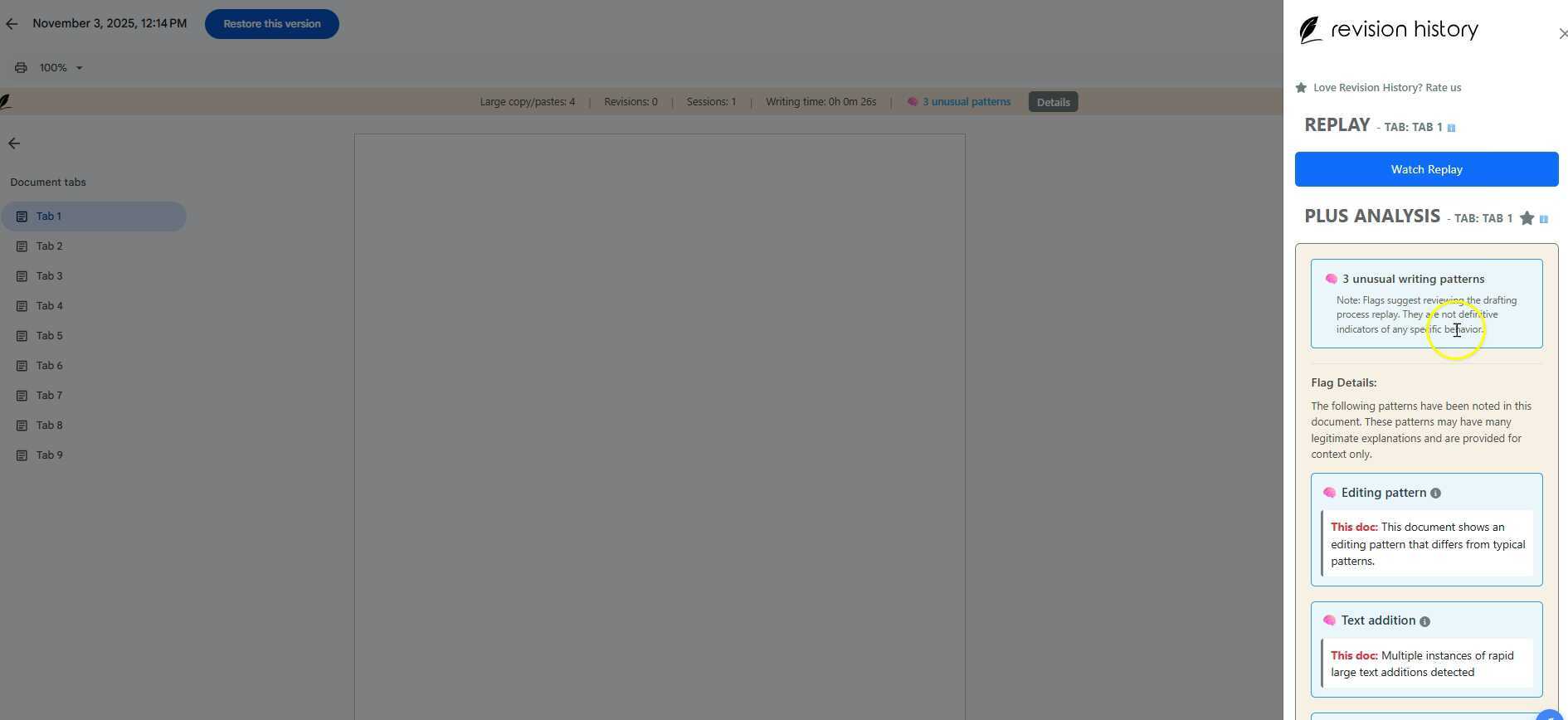
Version History or Student Writing
00:29Version History or Student Writing
-
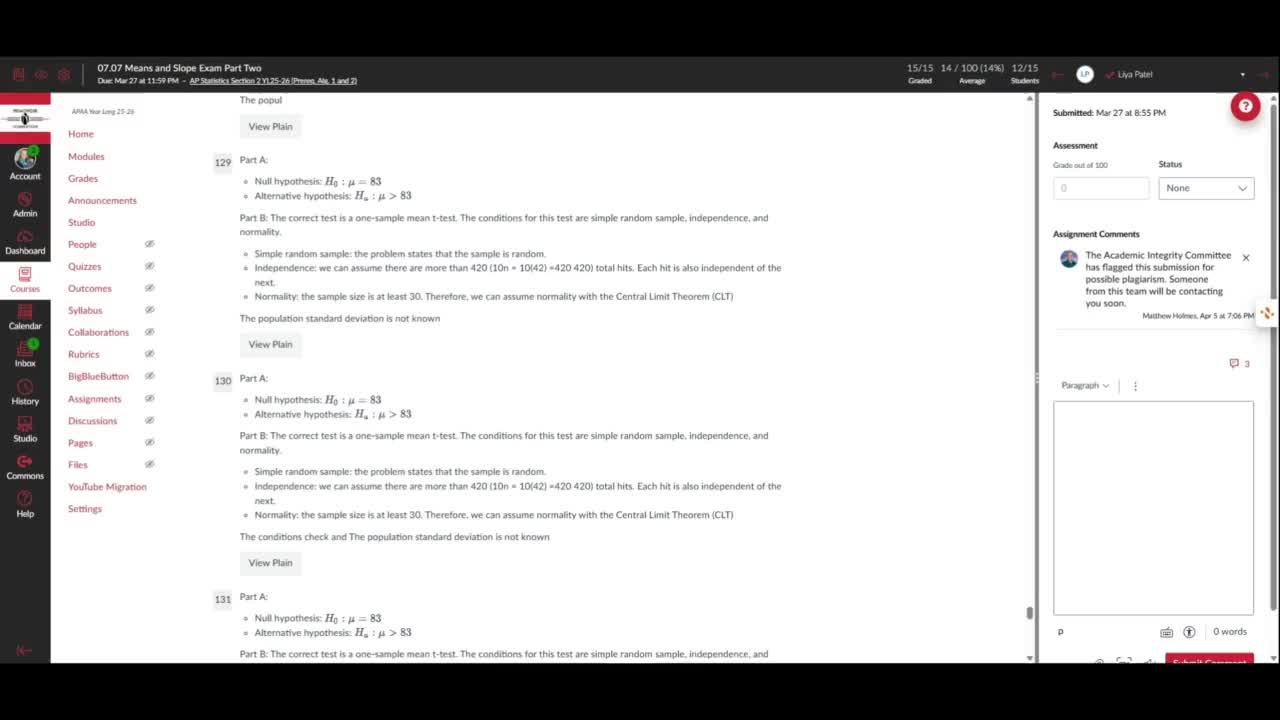
"Reading" the code of an exam submission
03:11"Reading" the code of an exam submission
-
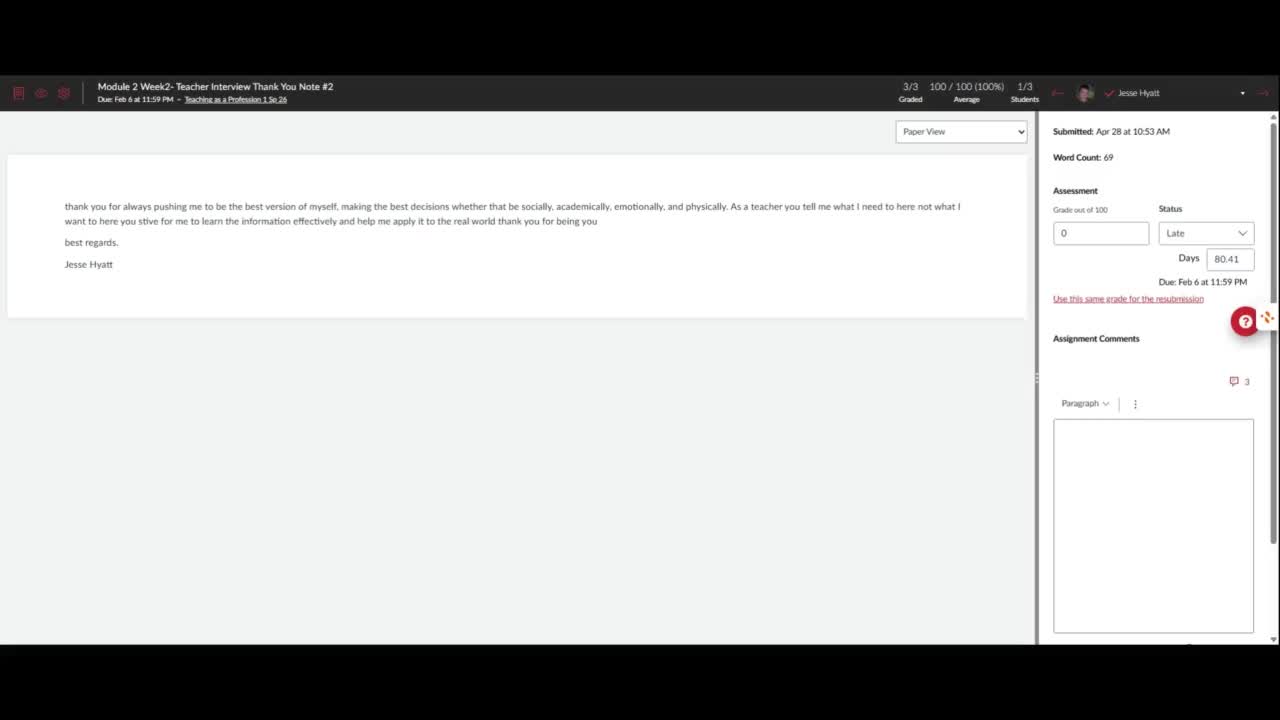
Canva Grading Issue
01:49Canva Grading Issue
-
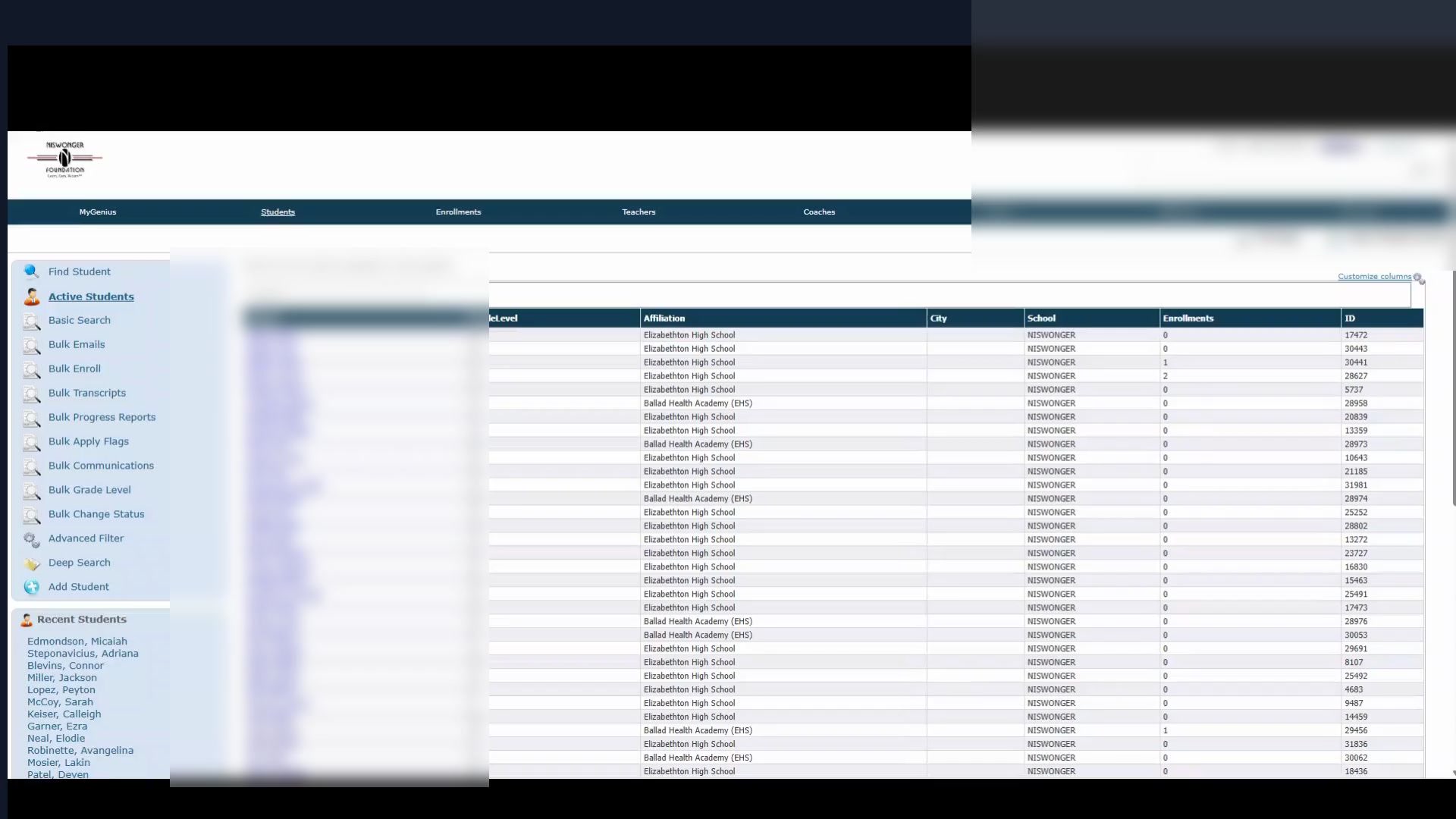
Finding your Ballad Health Student Final Grades
00:56Finding your Ballad Health Student Final Grades
Transcript translations are generated by AI.
Please excuse mistakes in translation.
Timeline
Use the AI button above to generate, or click below to upload your own captions.AI transcript unavailable. Click below to upload your own captions.Click below to upload your own captions.
Captions and ChaptersSelect a language then choose an option below to upload captions, chapters or add them manually.
Uploaded
0:00
0:05 0:10
0:15 0:20 0:25
0:30 -
TII Teacher Training & AIC
10:11This video provides teachers with an overview of the Academic Integrity Policy and outlines the procedures for detecting and reporting plagiarism in student assignments. It also introduces a new program called Turnitin for plagiarism detection.
TII Teacher Training & AIC
Transcript translations are generated by AI.
Please excuse mistakes in translation.
Timeline
Use the AI button above to generate, or click below to upload your own captions.AI transcript unavailable. Click below to upload your own captions.Click below to upload your own captions.
Captions and ChaptersSelect a language then choose an option below to upload captions, chapters or add them manually.
Uploaded
0:00
0:05 0:10
0:15 0:20 0:25
0:30 -
Teachers- TII Turning on Turnitin
09:59This video explains how to enable Turnitin for different types of assignments, how to customize settings such as paper repository and exclusion of quoted materials, and how to turn Turnitin off for specific assignments.
Teachers- TII Turning on Turnitin
Transcript translations are generated by AI.
Please excuse mistakes in translation.
Timeline
Use the AI button above to generate, or click below to upload your own captions.AI transcript unavailable. Click below to upload your own captions.Click below to upload your own captions.
Captions and ChaptersSelect a language then choose an option below to upload captions, chapters or add them manually.
Uploaded
0:00
0:05 0:10
0:15 0:20 0:25
0:30 -
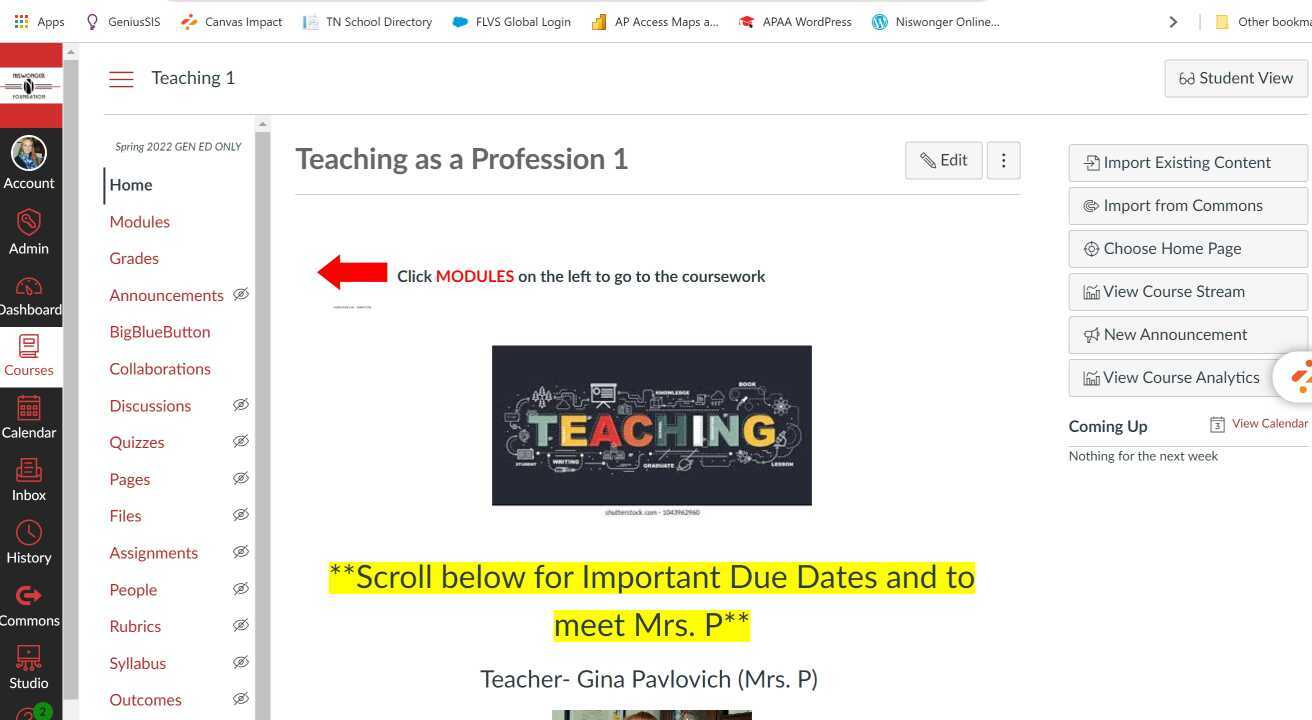
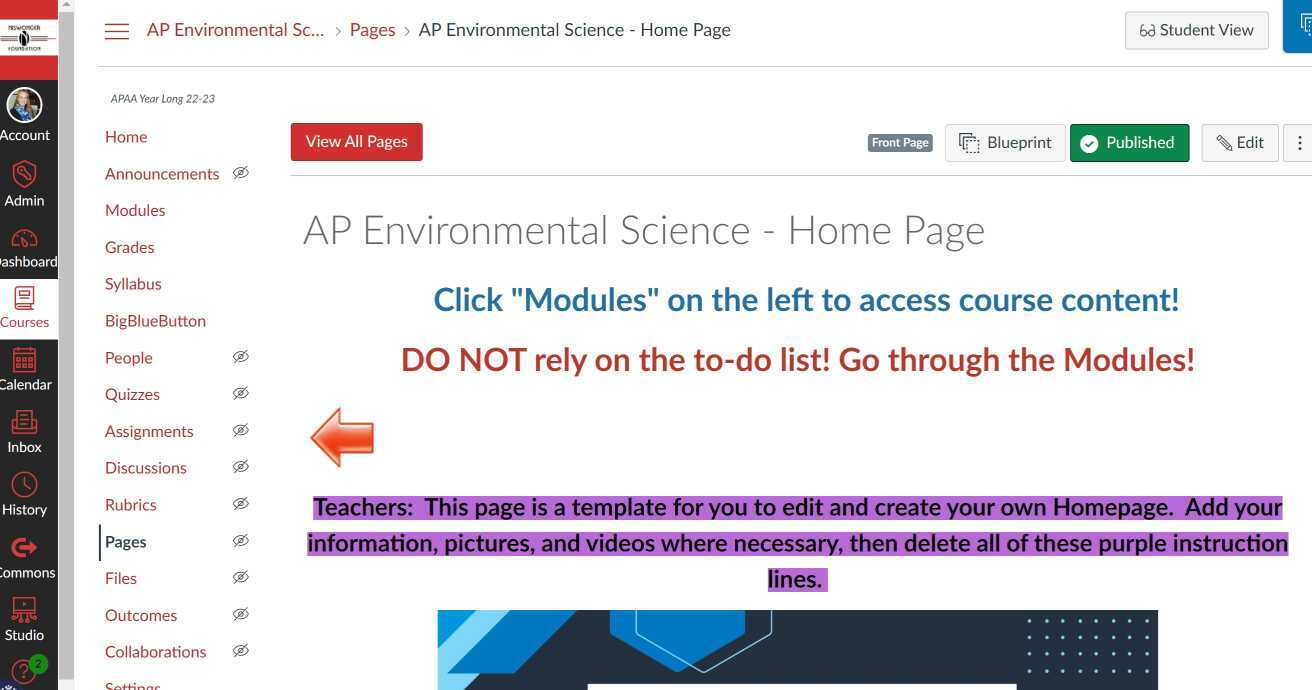
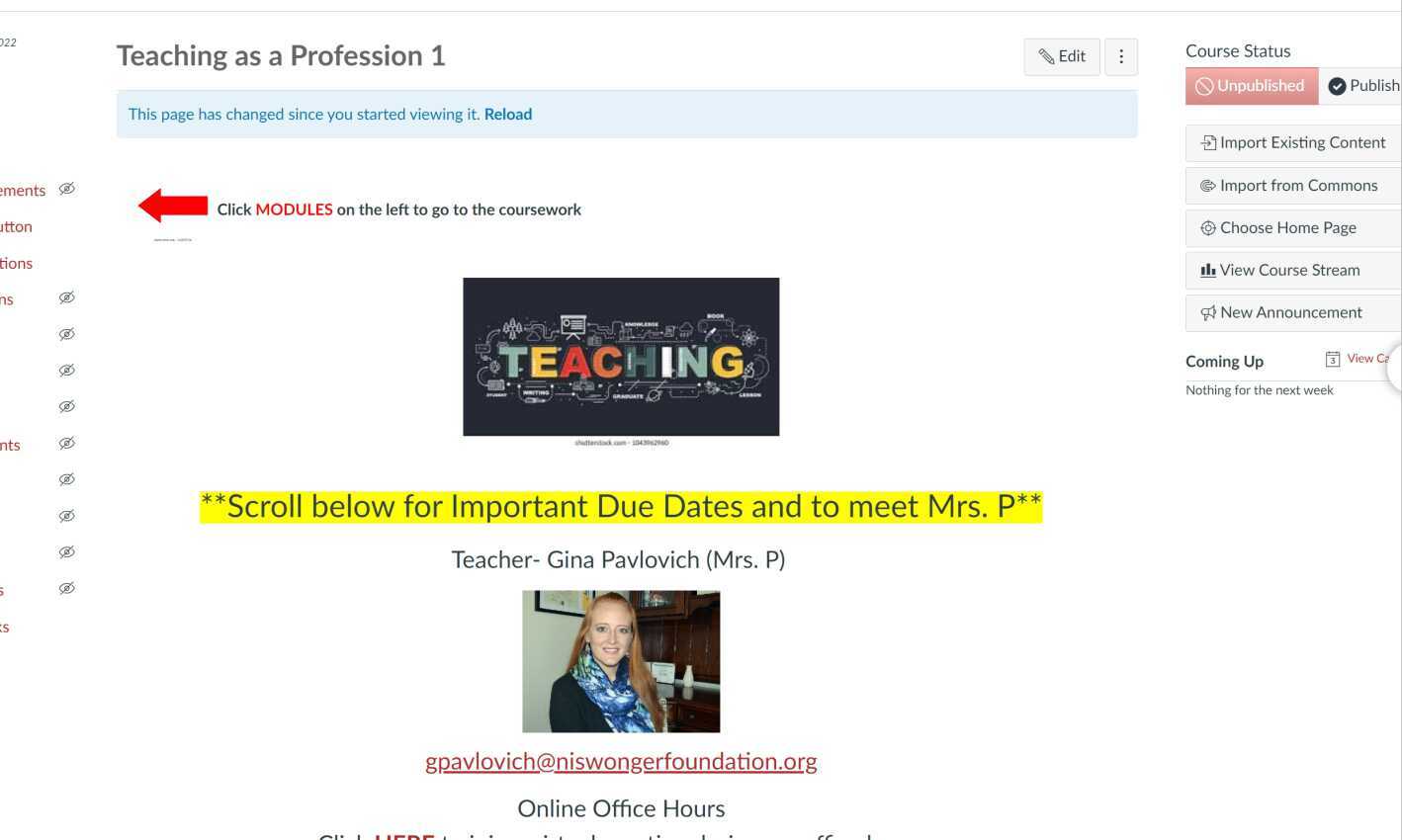
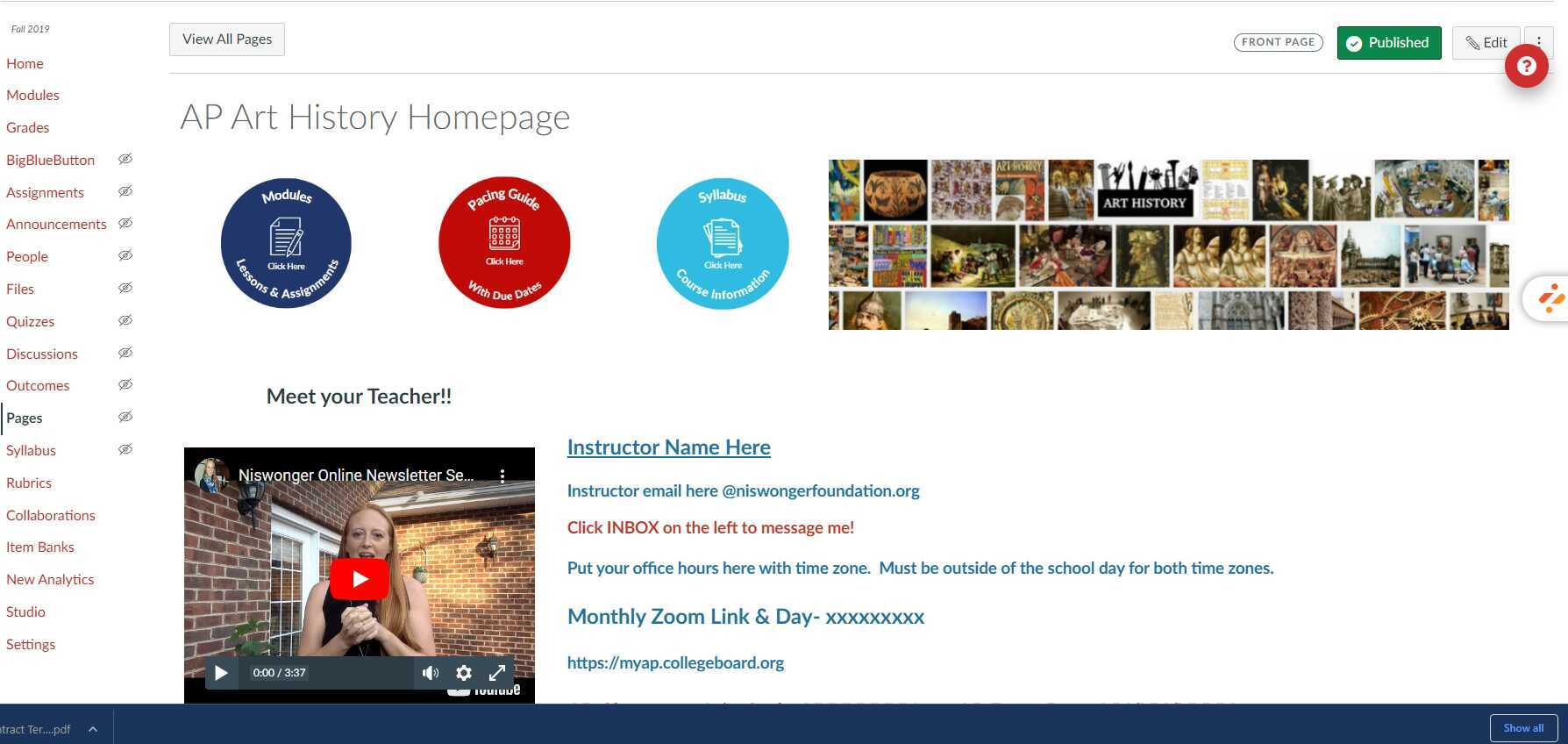
Teacher Training Canvas Homepage
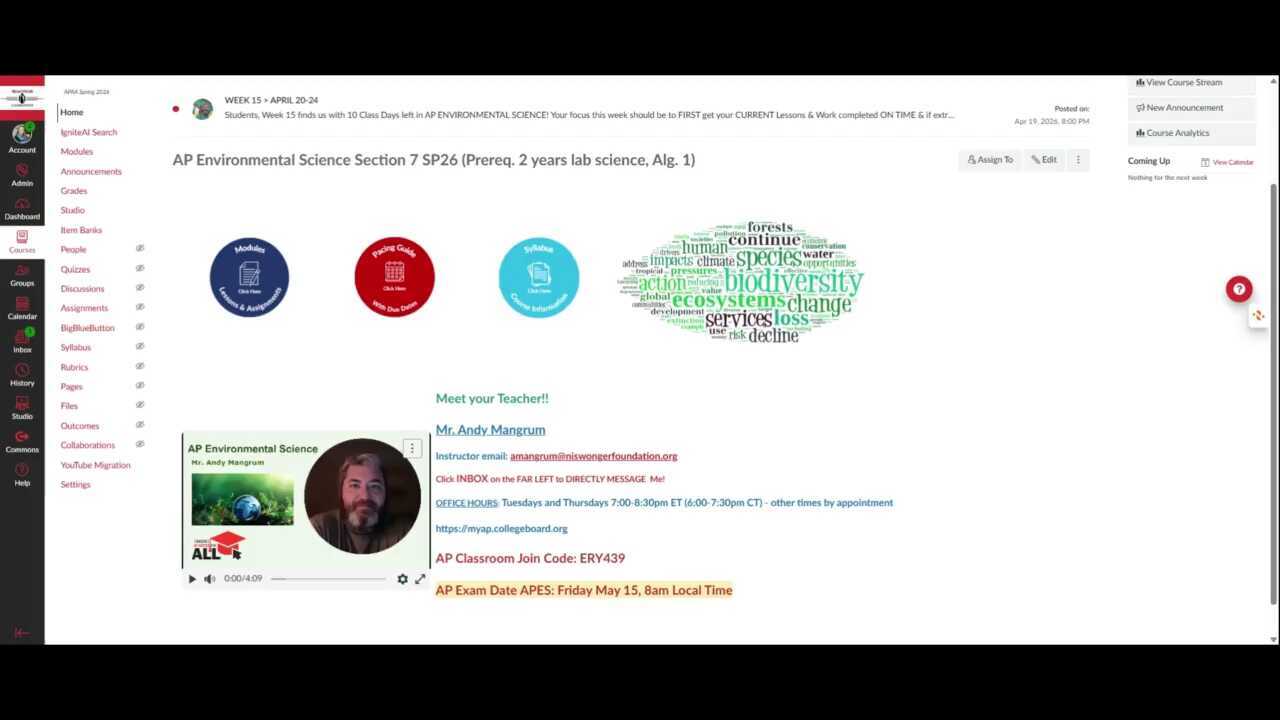
03:24This video provides teachers with guidance on updating their homepage as an AP Access for All teacher. It covers the layout of the homepage, editable sections, and the importance of maintaining consistency across course sections.
Teacher Training Canvas Homepage
-
Recording 07/01/2026, 07:19 PM
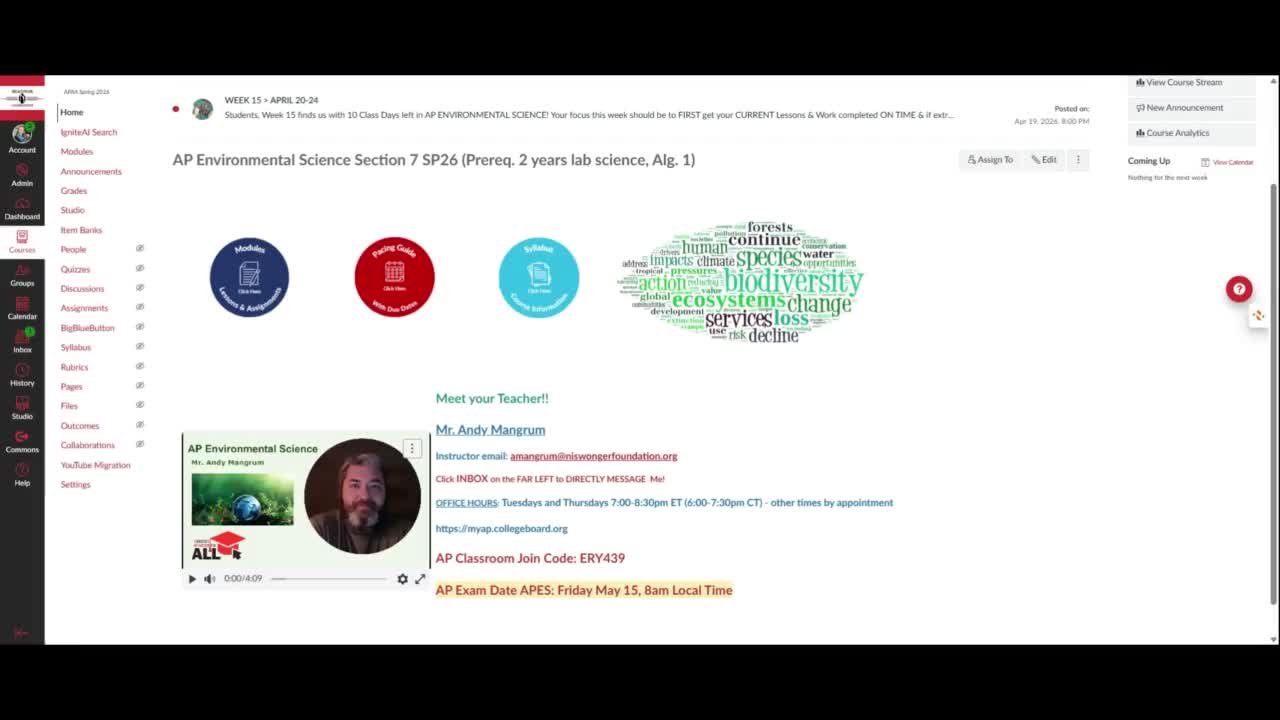
03:24The video provides a quick insight into how to update the homepage for AP Access for all teachers. It goes over the different sections of the homepage and emphasizes the importance of editing the 'Meet Your Teacher' section and creating a video to introduce yourself to students.
Recording 07/01/2026, 07:19 PM
Transcript translations are generated by AI.
Please excuse mistakes in translation.
Timeline
Use the AI button above to generate, or click below to upload your own captions.AI transcript unavailable. Click below to upload your own captions.Click below to upload your own captions.
Captions and ChaptersSelect a language then choose an option below to upload captions, chapters or add them manually.
Uploaded
0:00
0:05 0:10
0:15 0:20 0:25
0:30 -
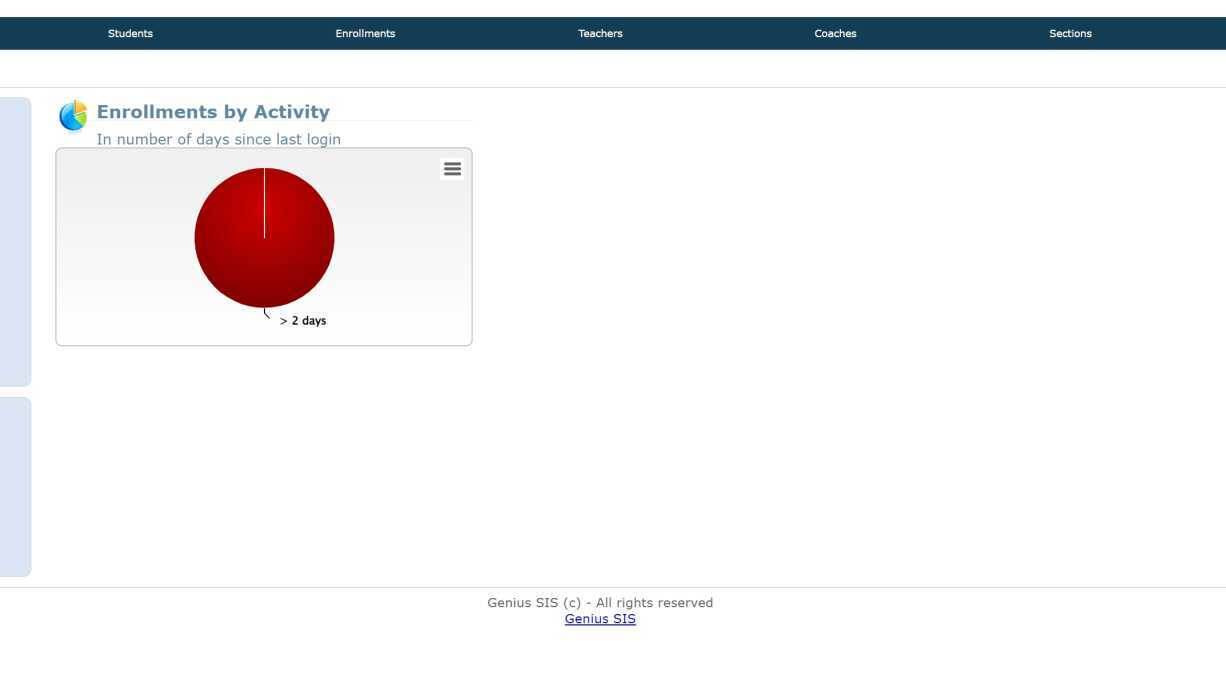
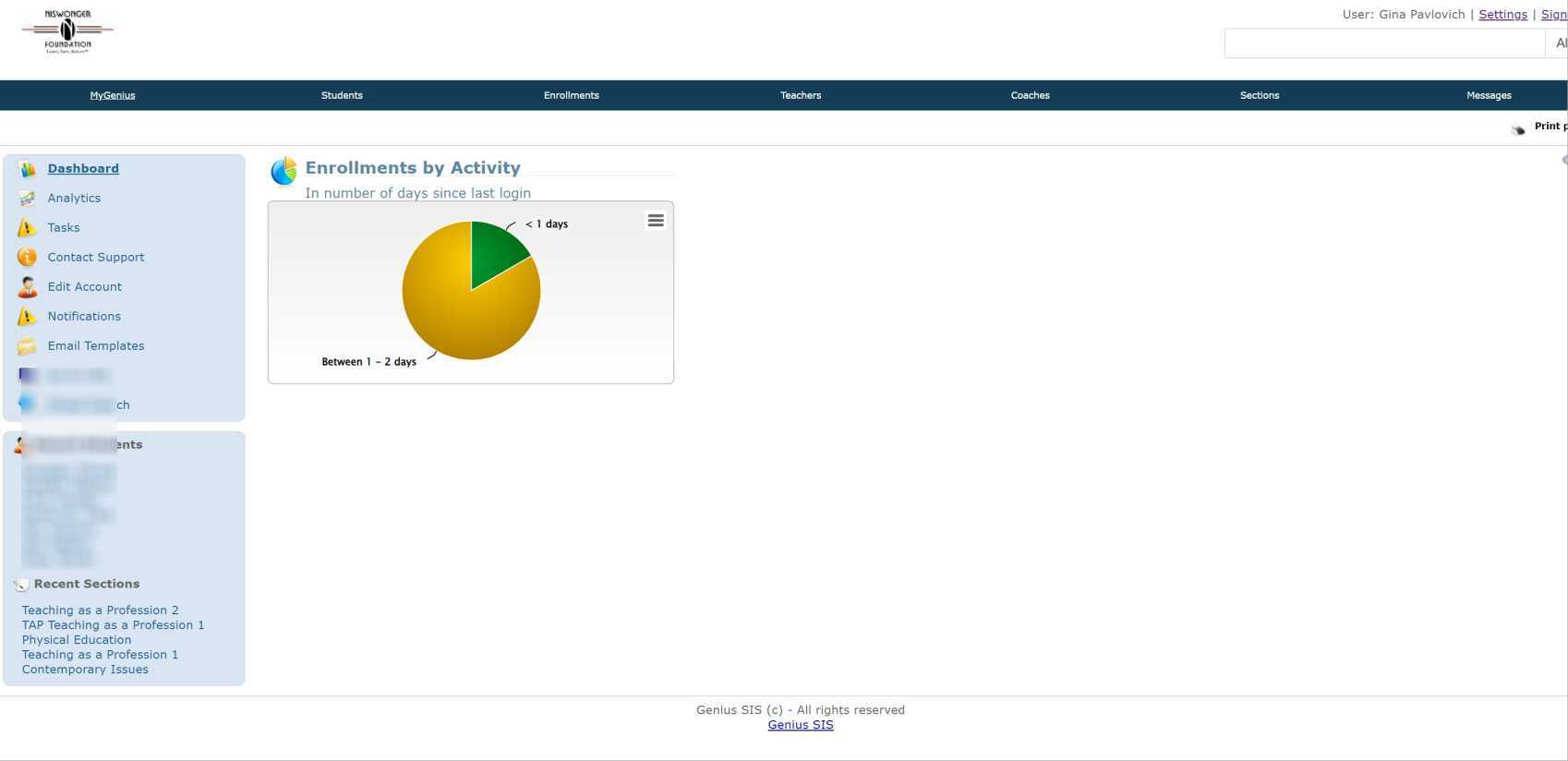
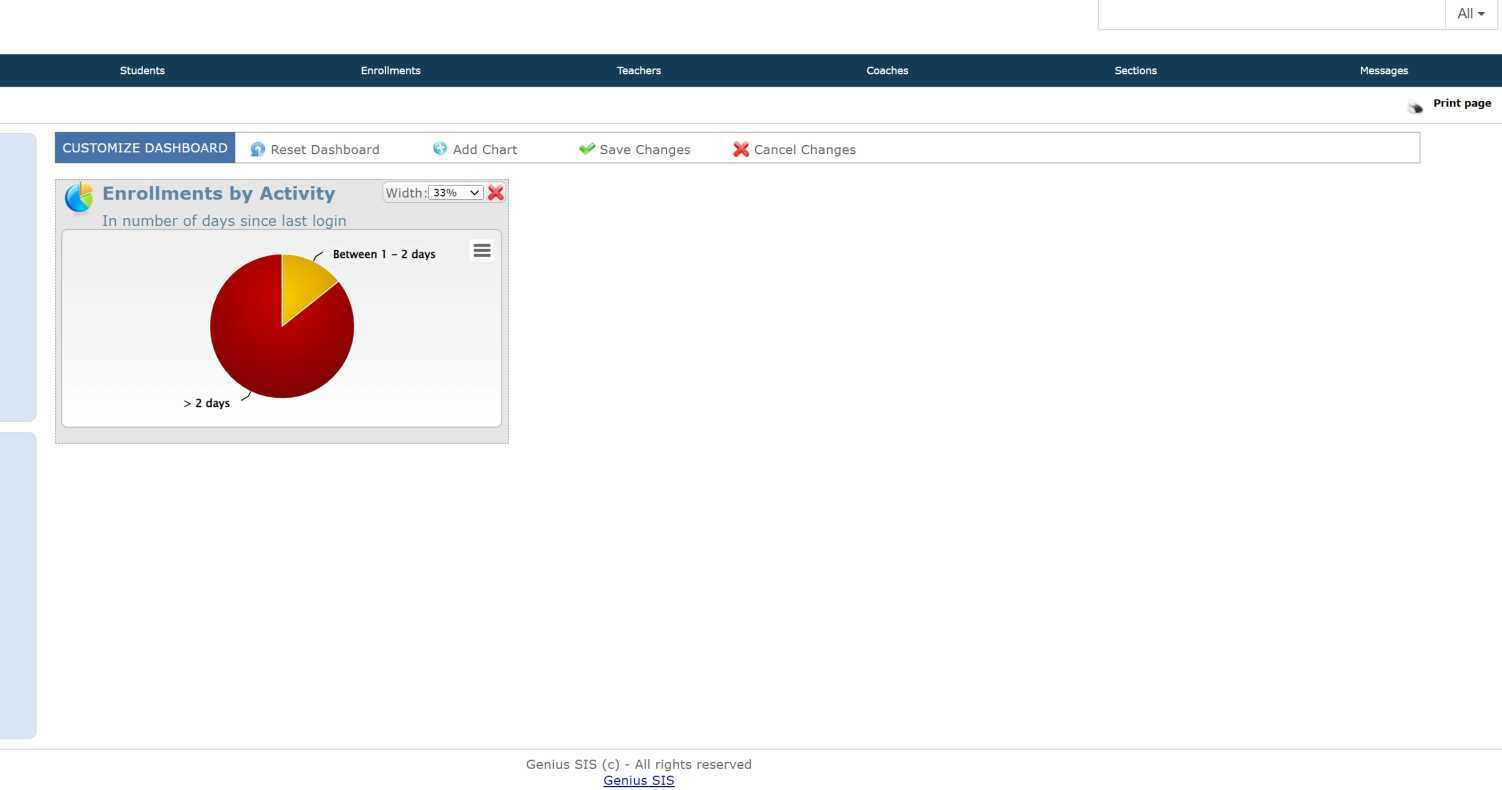
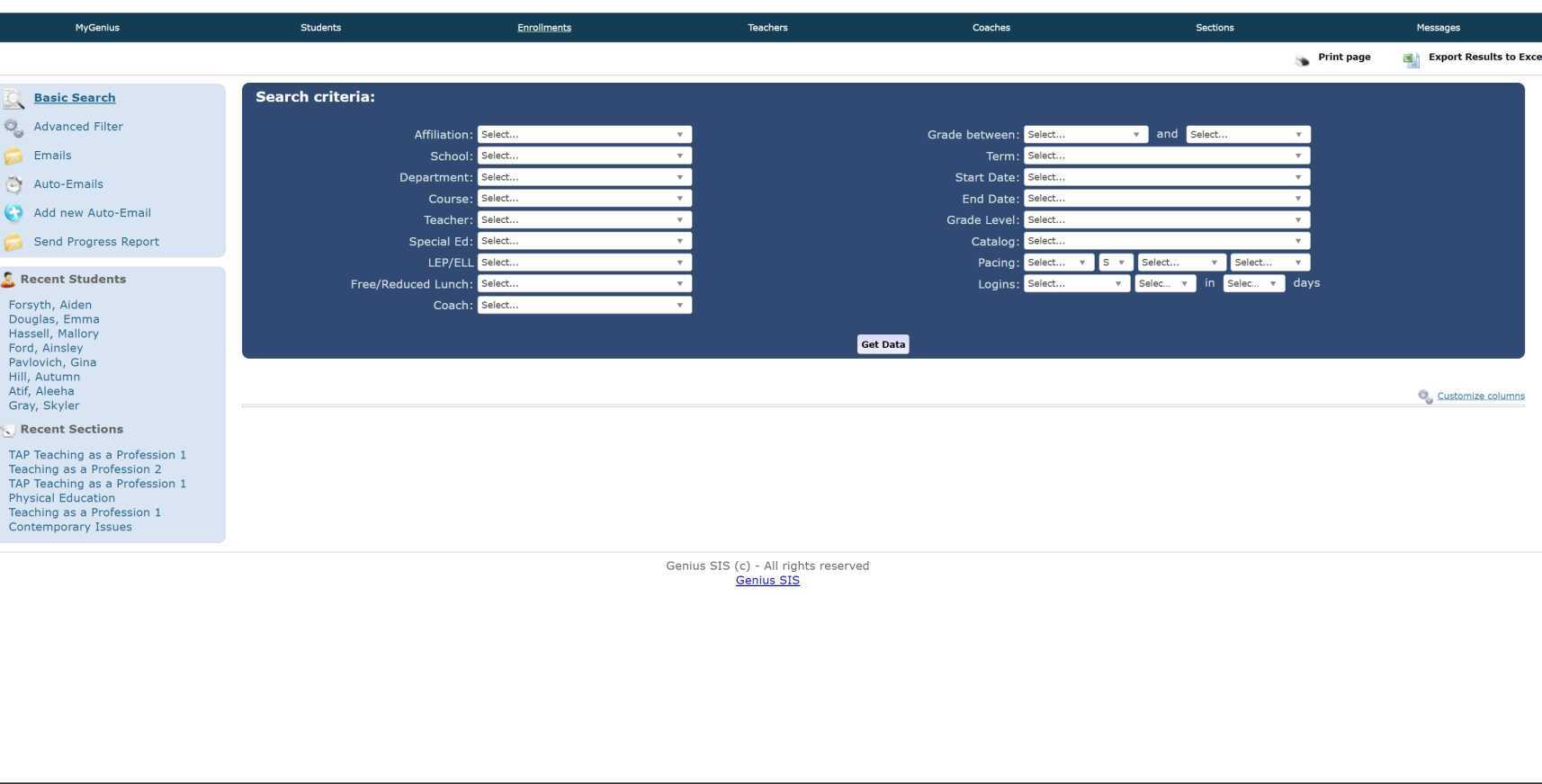
APAA Teacher Training GeniusSIS
05:33An introduction to how to navigate and use the Genius student information system, including logging in, customizing the dashboard, accessing student information, and using the enrollments tab.
APAA Teacher Training GeniusSIS
Transcript translations are generated by AI.
Please excuse mistakes in translation.
Timeline
Use the AI button above to generate, or click below to upload your own captions.AI transcript unavailable. Click below to upload your own captions.Click below to upload your own captions.
Captions and ChaptersSelect a language then choose an option below to upload captions, chapters or add them manually.
Uploaded
0:00
0:05 0:10
0:15 0:20 0:25
0:30 -
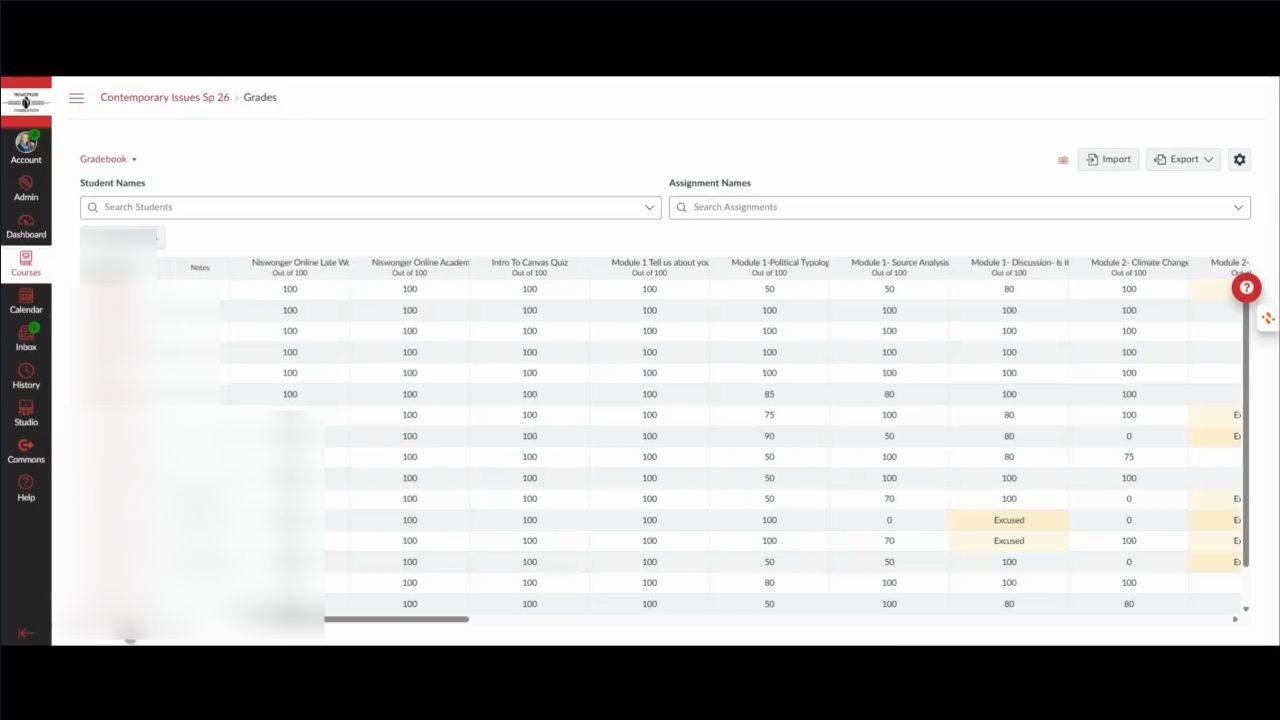
End of Semester Grading
01:41End of Semester Grading
Transcript translations are generated by AI.
Please excuse mistakes in translation.
Timeline
Use the AI button above to generate, or click below to upload your own captions.AI transcript unavailable. Click below to upload your own captions.Click below to upload your own captions.
Captions and ChaptersSelect a language then choose an option below to upload captions, chapters or add them manually.
Uploaded
0:00
0:05 0:10
0:15 0:20 0:25
0:30 -
TAP Course- Teaching Portfolio/ LInking within Google Slides
04:47TAP Course- Teaching Portfolio/ LInking within Google Slides
-
Setting up Zoom Recording to Require Registrants
06:06Setting up Zoom Recording to Require Registrants
-
Teachers- Academic Integrity Procedures
09:05Teachers- Academic Integrity Procedures
-
Teachers: Late Work Penalty REMOVAL Policy
04:05Teachers: Late Work Penalty REMOVAL Policy
-
Teachers: Late work Policy and Auto Drops
05:45Teachers: Late work Policy and Auto Drops
-
Teachers- IEP/504/ ILP Accommodations
03:43Teachers- IEP/504/ ILP Accommodations
-
Teachers- Gender Identity Process
02:01Teachers- Gender Identity Process
Teachers- Gender Identity Process
-
Pacing Guide Updates w/ Fall Break Pages and Links
08:45Pacing Guide Updates w/ Fall Break Pages and Links
-
Teachers- APAA Editing Homepage
11:45Teachers- APAA Editing Homepage
-
Teachers- Due Dates & Available Until Dates in Canvas
08:07Teachers- Due Dates & Available Until Dates in Canvas
-
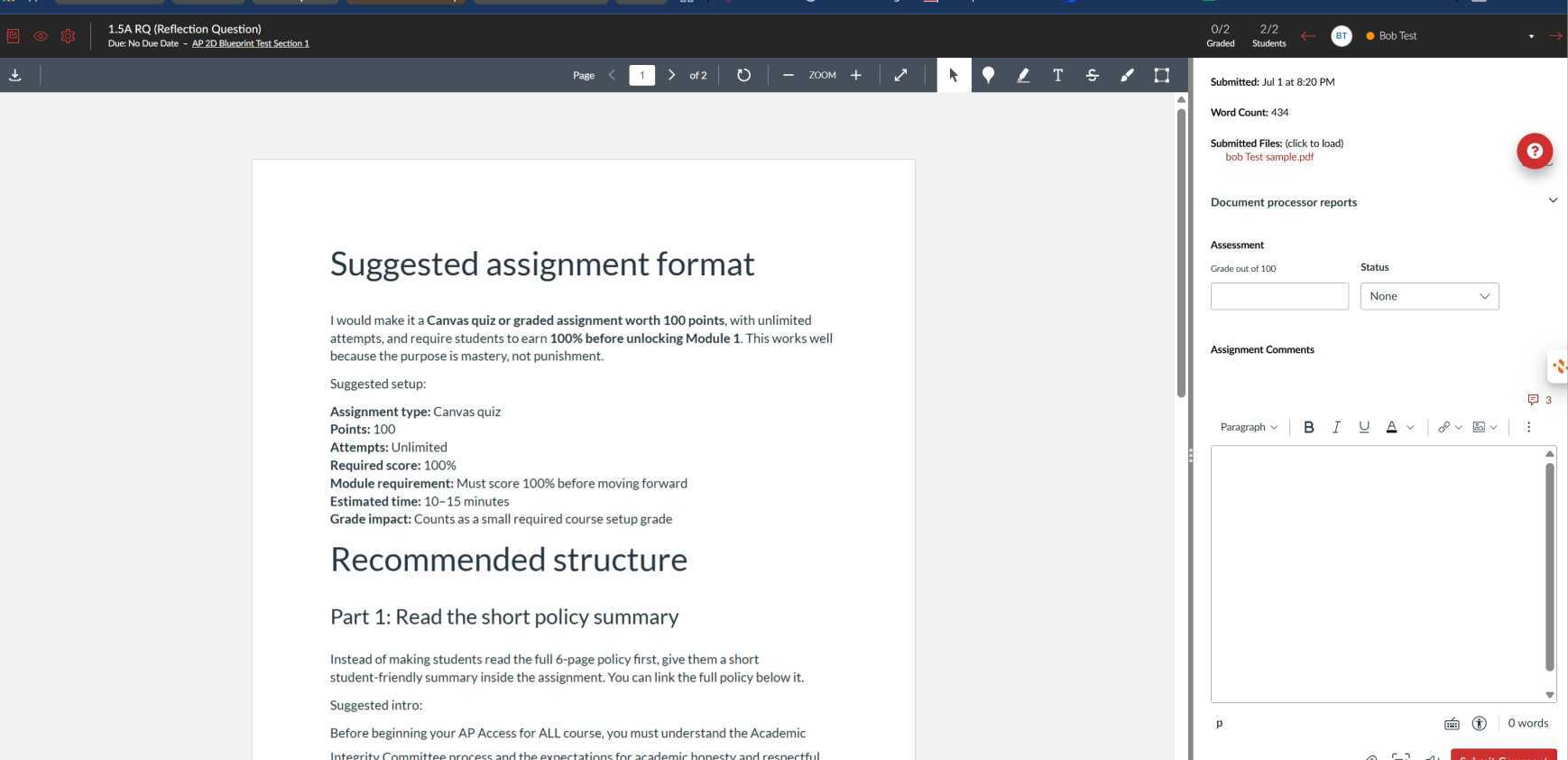
Teachers- Creating PDF Annotations in Canvas
08:30Teacher- Creating PDF Annotations in Canvas
Teachers- Creating PDF Annotations in Canvas
-
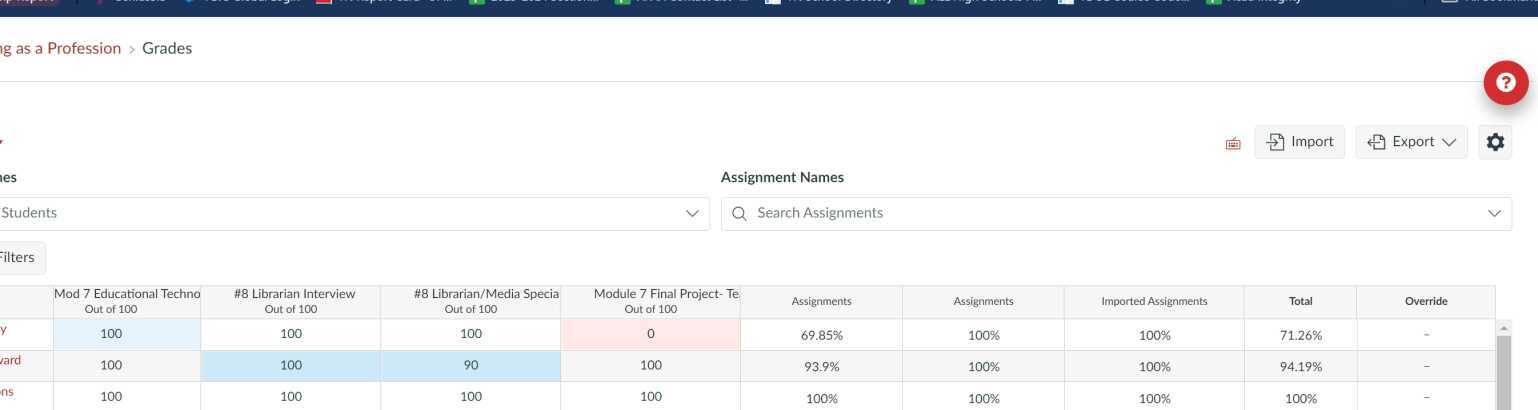
Finalizing Grades
07:55Finalizing Grades
-
APAA Teachers- Due Dates
02:18APAA Teachers- Due Dates
-
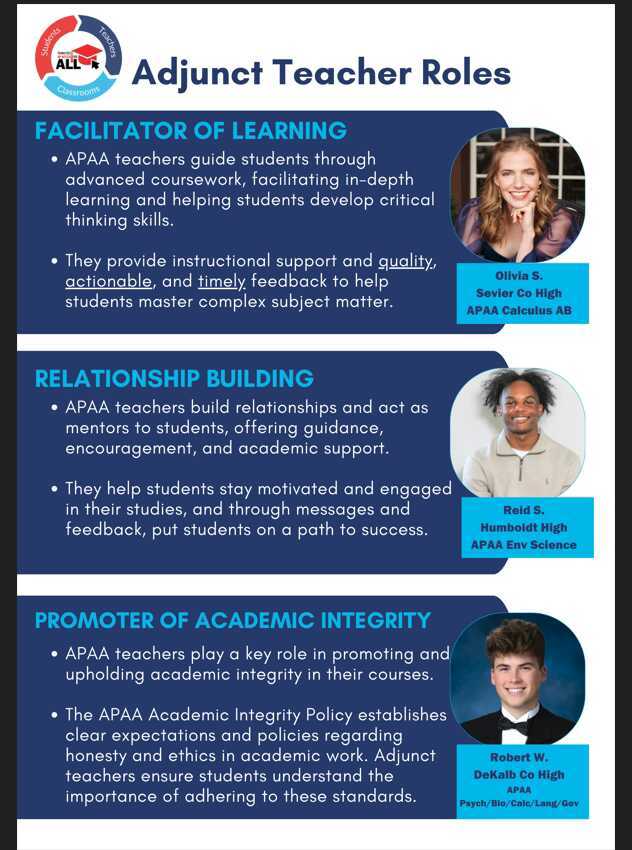
APAA Adjunct Teacher Roles
03:48APAA Adjunct Teacher Roles
-
Teachers- APAA AIC Policy
21:01Teachers- APAA AIC Policy
-
AP Teachers- Sp 24 Early Final Grades
14:26AP Teachers- Sp 24 Early Final Grades
-
Teacher Impact- Canvas Messaging and Announcements
Jun 27, 2022 | 03:44Teacher Impact- Canvas Messaging and Announcements
Created: Jun 27, 2022 -
APAA Lead Blueprint Homepage
Jul 5, 2022 | 03:27APAA Lead Blueprint Homepage
Created: Jul 5, 2022 -
APAA Lead Discussion Module
Jul 7, 2022 | 06:34APAA Lead Discussion Module
Created: Jul 7, 2022 -
APAA Lead Assignment Page/ Due Dates
Jul 7, 2022 | 09:41APAA Lead Assignment Page/ Due Dates
Created: Jul 7, 2022 -
APAA Lead Syllabus Updates
Jul 7, 2022 | 02:54APAA Lead Syllabus Updates
Created: Jul 7, 2022 -
APAA/Nis Online Teacher- Copying Code to Recreate Homepage
Aug 9, 2022 | 04:28APAA/Nis Online Teacher- Copying Code to Recreate Homepage
Created: Aug 9, 2022 -
Teachers- Save your Students's email addresses!
Aug 14, 2022 | 02:58Teachers- Save your Students's email addresses!
Created: Aug 14, 2022 -
Teachers- Additional Attempts and Additional Time on Exams
02:49Teachers- Additional Attempts and Additional Time on Exams
-
Teacher- Videos and Pictures in your Announcements
03:51Teacher- Videos and Pictures in your Announcements
-
Teachers- Comparing Rosters
02:39Teachers- Comparing Rosters
-
Teachers- Save student email addresses
03:33Teachers- Save student email addresses
-
Teacher- Finding Student Info in Genius
03:16Teacher- Finding Student Info in Genius
-
Teachers- Send Progress Reports in Genius
03:03Teachers- Send Progress Reports in Genius
-
Teachers- YouTube and Canvas Studio/Embedding into Pages or Assignments
03:05Teachers- YouTube and Canvas Studio/Embedding into Pages or Assignments
-
Teachers- Creating Peer Reviewed Assignments
04:42Teachers- Creating Peer Reviewed Assignments
-
Teachers- Finalizing Grades between Canvas and Genius
07:15Teachers- Finalizing Grades between Canvas and Genius
-
Teachers- View grades of Past Enrollments
02:55Teachers- View grades of Past Enrollments
-
Teachers- Changing Assignment Point values and Weighted groups
14:43Teachers- Changing Assignment Point values and Weighted groups
-
Teachers- Deleting Unpublished Assignments
03:24Teachers- Deleting Unpublished Assignments
-
Teachers- APAA Editing Homepage
12:57Teachers- APAA Editing Homepage


 Uploaded