The Basics of Creating a Plan
RetirementView - Personal and Couples Editions
Are you planning for yourself? Our consumer versions will help you have peace of mind about when to retire and what adjustments you need to make to keep from running out of money. The videos below will show you exactly how the program works.-
The Basics of Creating a Plan
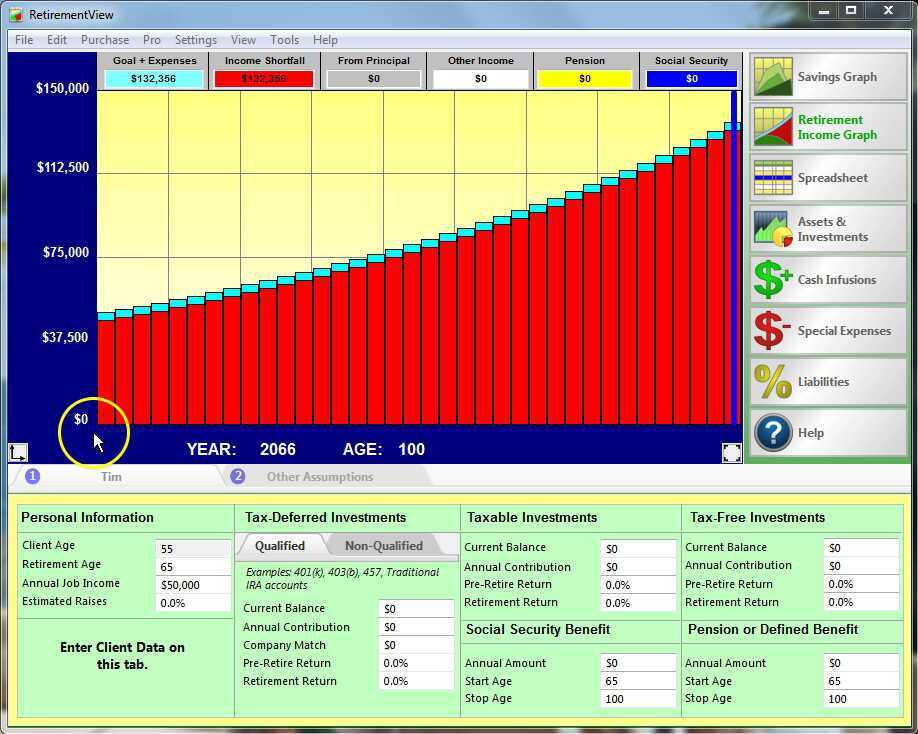
04/06/2021 | 07:57How to enter basic data in the program and build a basic retirement picture in just a few minutes.
The Basics of Creating a Plan
Created: 04/06/2021 -
Pro - Retirement Graph Explanation
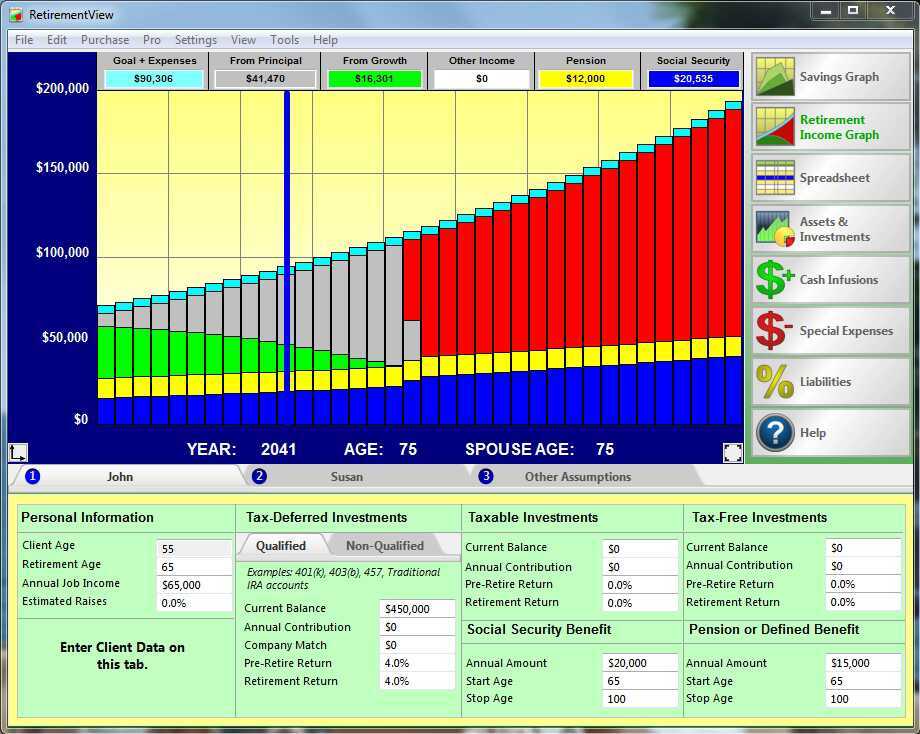
Apr 6, 2021 | 03:23This is their Retirement Picture, their RetirementView... you are building it with them to show problems and then will show solutions to "fix" their problems.
Pro - Retirement Graph Explanation
Created: Apr 6, 2021 -
Explaining the Buttons
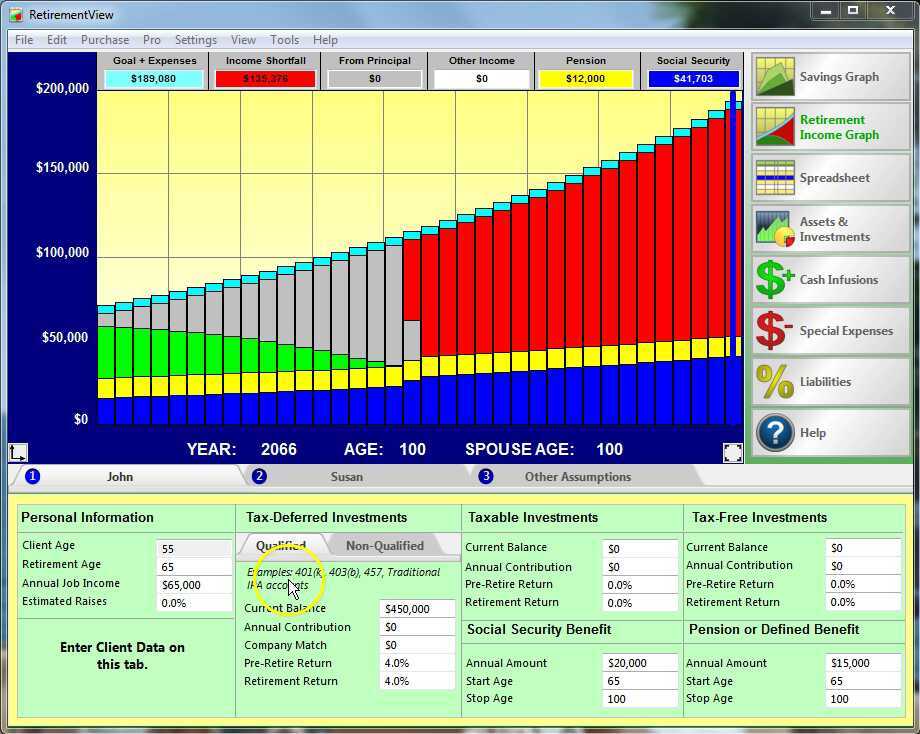
Apr 6, 2021 | 11:49What are all those buttons on the right side for? This video goes through each button and explains what each one is to be used for...
Explaining the Buttons
Created: Apr 6, 2021 -
Modeling Retirement Expenses
Aug 9, 2021 | 10:17Learn the 4 Ways that you can model how much money is needed in retirement.
Modeling Retirement Expenses
Created: Aug 9, 2021