Inbetriebnahme 1: Initiale Registrierung
< Back

AMPERIX® UI: Inbetriebnahme

In dieser Videoreihe zeigen wir Ihnen die wichtigsten Schritte zur Inbetriebnahme eines AMPERIX® über dessen Benutzeroberfläche. Von der Registrierung über die Systemeinstellungen und Geräteinstallation bis hin zur finalen EMS-Einrichtung führen die Videos Schritt für Schritt durch den Installationsprozess und unterstützen Sie dabei, das System sicher und vollständig einzurichten.
  • Inbetriebnahme 1: Initiale Registrierung

    04:44

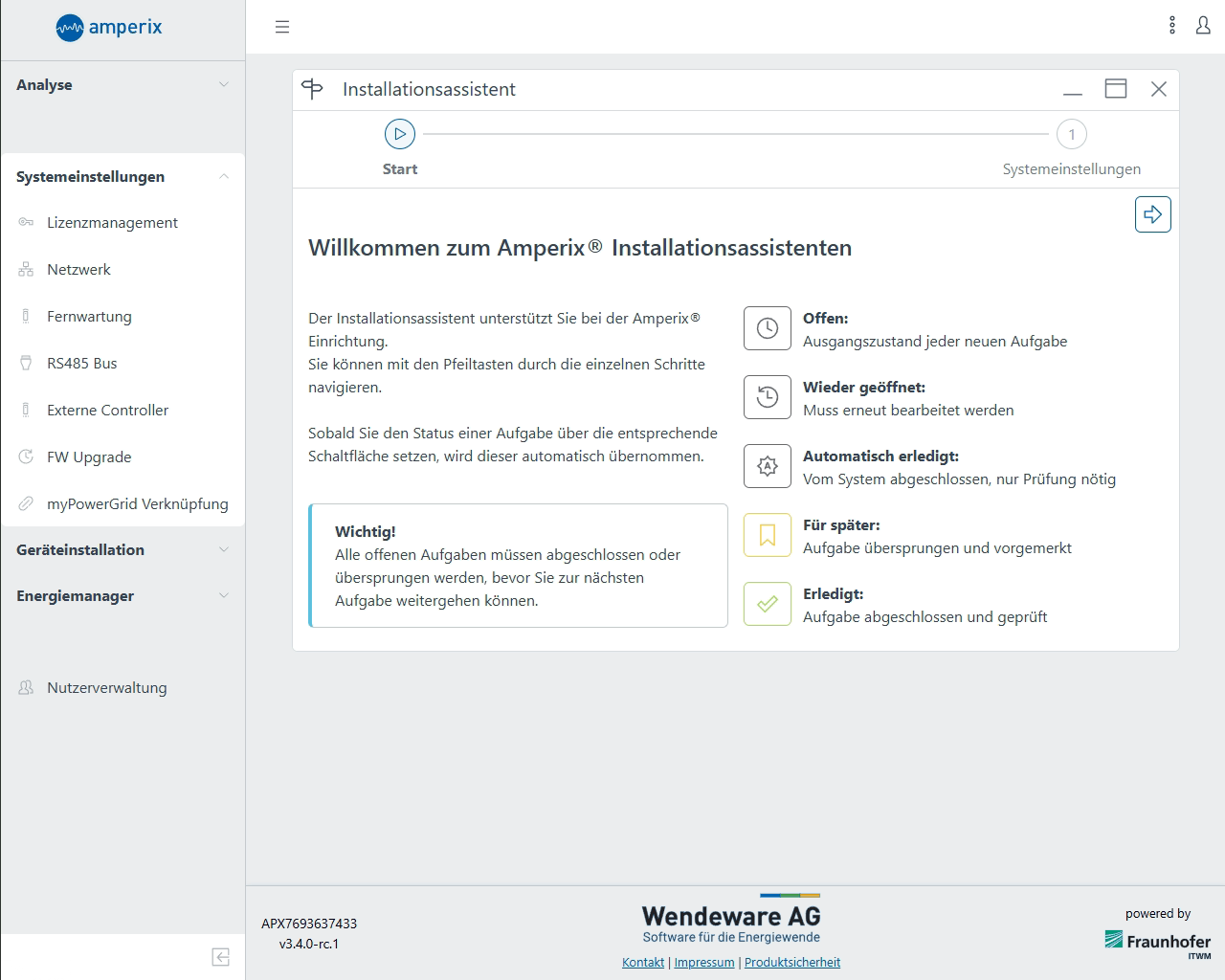
    Dieses Video zeigt Schritt für Schritt die Erstregistrierung in der AMPERIX®-Benutzeroberfläche: vom Aufruf über das Haus- oder AMPERIX®-Netzwerk bis zum Anlegen der Zugangsdaten. Anschließend sehen Sie, wie der Lizenzschlüssel eingetragen wird und wie Sie nach der Anmeldung in die Systemübersicht gelangen.

    Inbetriebnahme 1: Initiale Registrierung

    AI wand icon
    Transcript translations are generated by AI.
    Please excuse mistakes in translation.
    timeline icon timeline icon timeline icon timeline icon
    Timeline
    Use the AI button above to generate, or click below to upload your own captions.
    AI transcript unavailable. Click below to upload your own captions.
    Click below to upload your own captions.

    Captions and Chapters
    Select a language then choose an option below to upload captions, chapters or add them manually.

    Uploaded
  • Inbetriebnahme 2: Systemeinstellungen

    09:26

    Dieses Video führt Sie durch die grundlegenden Systemeinstellungen im AMPERIX®-Installationsassistenten. Gezeigt werden unter anderem die Netzwerk- und RS485-Konfiguration sowie die Verknüpfung mit myPowerGrid, damit das EMS korrekt angebunden und vorbereitet ist.

    Inbetriebnahme 2: Systemeinstellungen

    AI wand icon
    Transcript translations are generated by AI.
    Please excuse mistakes in translation.
    timeline icon timeline icon timeline icon timeline icon
    Timeline
    Use the AI button above to generate, or click below to upload your own captions.
    AI transcript unavailable. Click below to upload your own captions.
    Click below to upload your own captions.

    Captions and Chapters
    Select a language then choose an option below to upload captions, chapters or add them manually.

    Uploaded
  • Inbetriebnahme 3: Geräteinstallation

    10:36

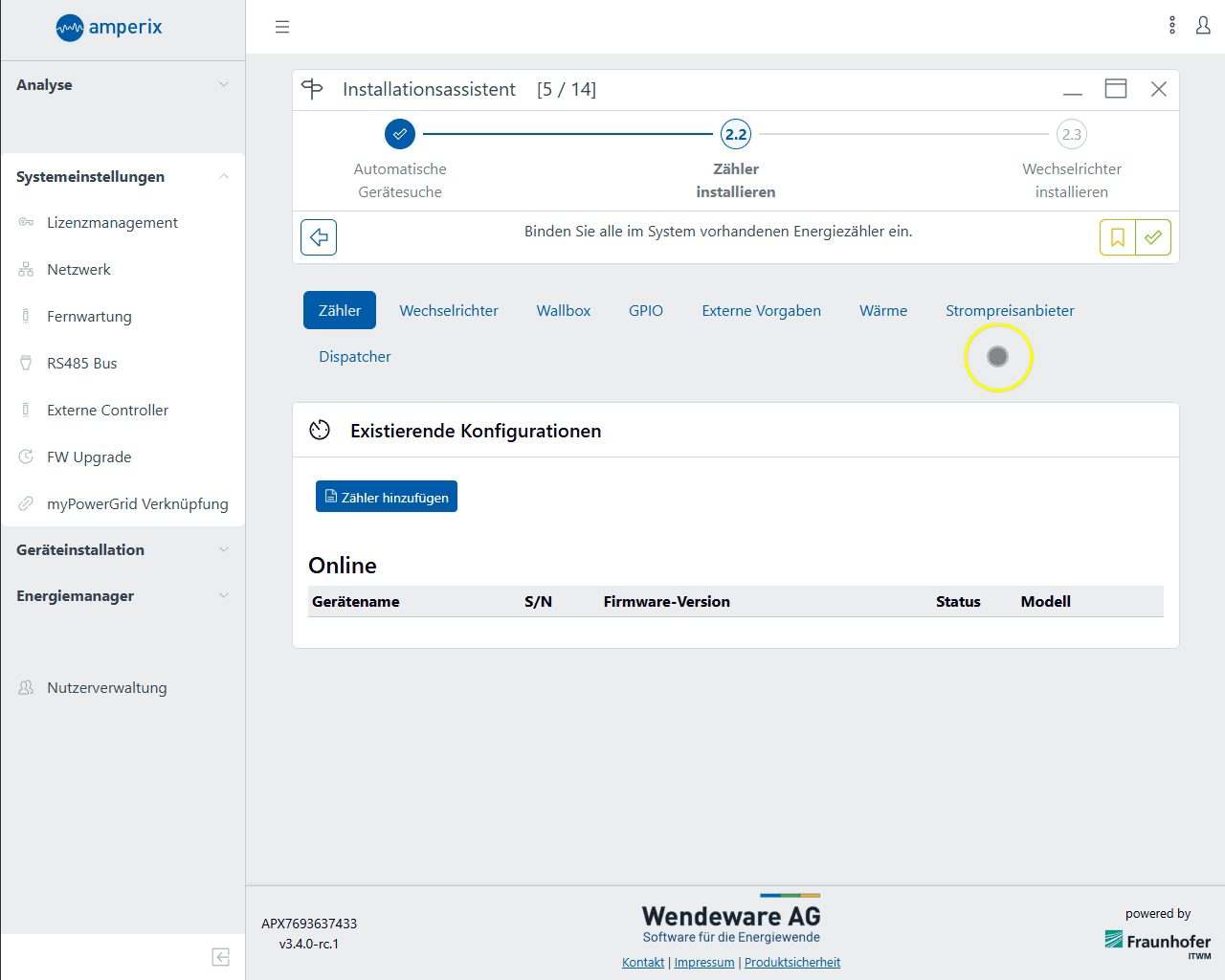
    Dieses Video zeigt die Geräteinstallation im AMPERIX®-Installationsassistenten. Sie sehen, wie Geräte automatisch gesucht und anschließend Zähler, Wechselrichter, Wärmepumpe und weitere Komponenten Schritt für Schritt hinzugefügt und konfiguriert werden.

    Inbetriebnahme 3: Geräteinstallation

    AI wand icon
    Transcript translations are generated by AI.
    Please excuse mistakes in translation.
    timeline icon timeline icon timeline icon timeline icon
    Timeline
    Use the AI button above to generate, or click below to upload your own captions.
    AI transcript unavailable. Click below to upload your own captions.
    Click below to upload your own captions.

    Captions and Chapters
    Select a language then choose an option below to upload captions, chapters or add them manually.

    Uploaded
  • Inbetriebnahme 4: EMS Einrichtung

    06:51

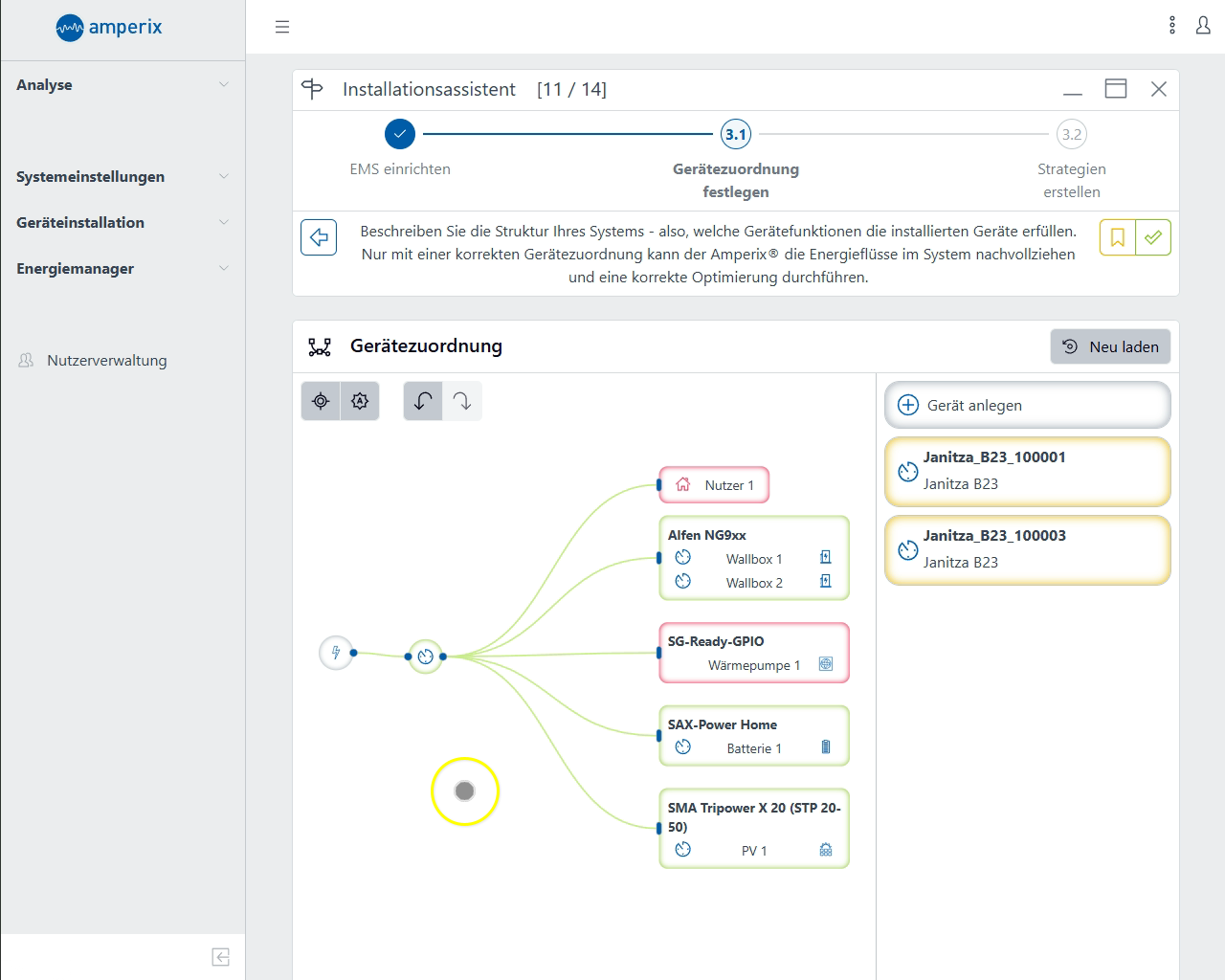
    Dieses Video zeigt die Einrichtung des EMS in der AMPERIX®-Benutzeroberfläche. Dabei werden die erkannten Geräte zugeordnet, die Gerätekonfiguration abgeschlossen und anschließend eine passende Betriebsstrategie ausgewählt und aktiviert.

    Inbetriebnahme 4: EMS Einrichtung

    AI wand icon
    Transcript translations are generated by AI.
    Please excuse mistakes in translation.
    timeline icon timeline icon timeline icon timeline icon
    Timeline
    Use the AI button above to generate, or click below to upload your own captions.
    AI transcript unavailable. Click below to upload your own captions.
    Click below to upload your own captions.

    Captions and Chapters
    Select a language then choose an option below to upload captions, chapters or add them manually.

    Uploaded
  • Inbetriebnahme 1: Initiale Registrierung
  • Inbetriebnahme 2: Systemeinstellungen
  • Inbetriebnahme 3: Geräteinstallation
  • Inbetriebnahme 4: EMS Einrichtung